You are browsing Hot Tips featuring:

Features

Landing Page lessons related to the product or service features.

Highlight USP among feature list/grid

Hot Tip #13 is to highlight your Unique Selling Proposition (USP) among your features.

A grid/list of 12 features can be overwhelming for a visitor who is learning about your product/service for the first time.

Begin with your highlighted USPs:


Highlighted Feature Demo
Emphasize the benefits of choosing you over the competition.

Replace GIFs with video

Hot Tip #31 is to replace those demo GIFs with video.

Video offers:

⚡️ Better performance
🎨 More colors
🍃 Less file size
👆 Ability to pause

The argument for using GIFs is that they are easier to produce and save. Neither are reasons to use them in your Landing Page.

ImageOptim - My go-to for image size optimization for JPG, GIF, PNG and SVG.

Screenflow - My absolute favorite screen recording tool I probably use every day. Exports to GIF and lite-sized MP4 (used in this book) for Landing Pages.

Don't neglect Retina optimization

Hot Tip #45 is don’t neglect Retina optimization.

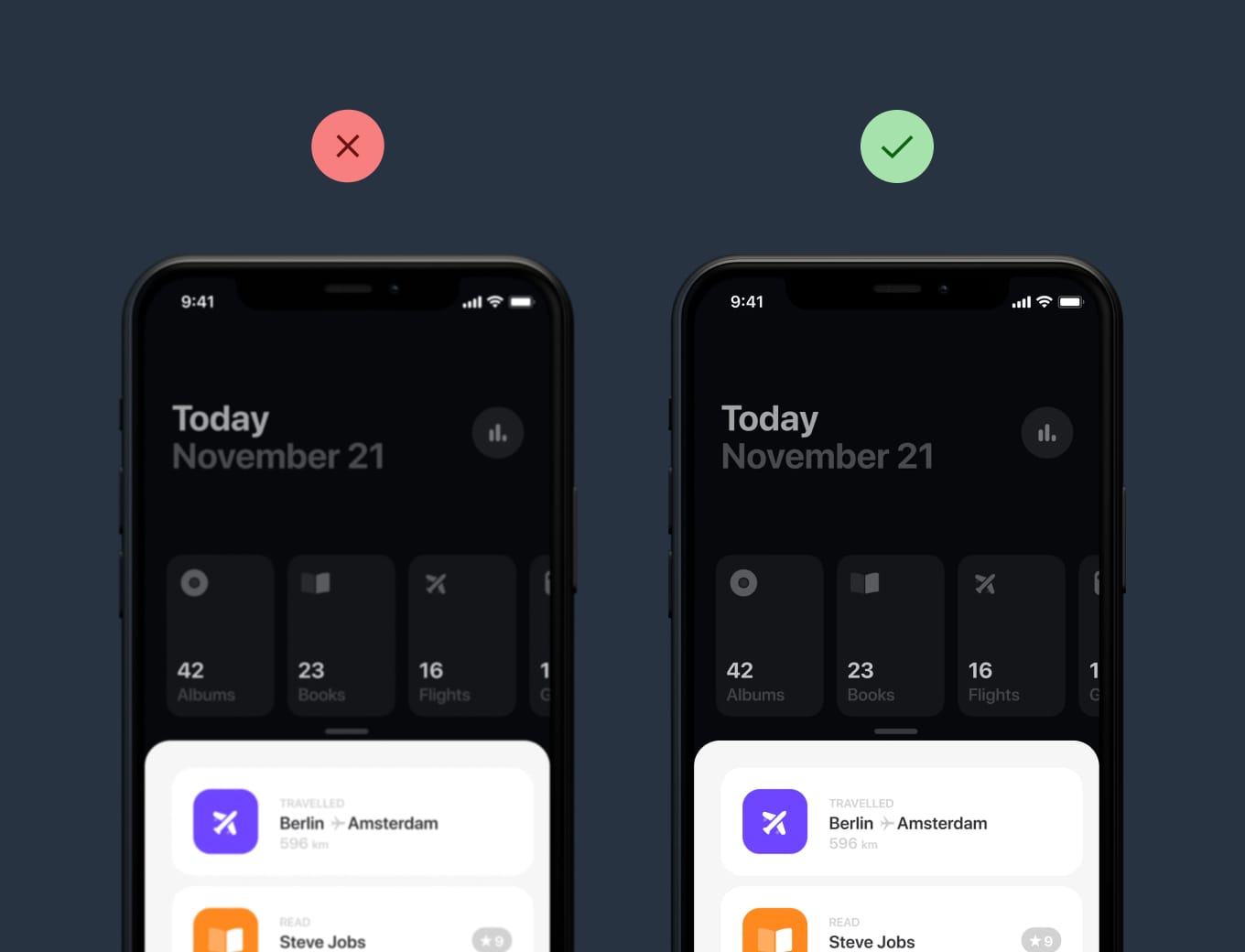
Simply put, Retina Displays have higher density pixels, needing a bigger version of the imagery to appear crisp.


Retina comparison
Haptic

Retina comparison
Clear infographics and crisp app screenshots leave a wonderful first impression, especially if your target market is designers.

BGJar - Free online tool to create colorful SVG blobs.

ImageOptim - My go-to for image size optimization for JPG, GIF, PNG and SVG.

Responsive Images - Developer Eric Portis details exactly how to deliver @2x images on Retina screens.

Strategically position testimonials

Hot Tip #83 is to strategically position testimonials.

We’ve discussed curating testimonials to provide the most value to your Landing Page visitor. But where do we put them?

Start by positioning your best testimonial — preferably from an opinion leader in your industry — above the fold. This will strengthen your intro pitch and lower bounce rates. Now position other testimonials relevant to the Landing Page topic.

Example: If you are showcasing a specific product feature, try to position a testimonial mentioning that feature alongside it.

Note how the CleanShot X screen capture tool is talking about the ease of saving, copying, dragging, dropping, and then just below it a customer testimonial suggests the tool is like a Swiss Army knife:


Testimonial position reference
Finally, position a testimonial near checkout that mentions value for money or overall satisfaction.

Show them how it works

Hot Tip #85 is to show them how it works.

The first question most SaaS Landing Page visitors ask is How much is it?. This should always be answered with full transparency, no tricks.

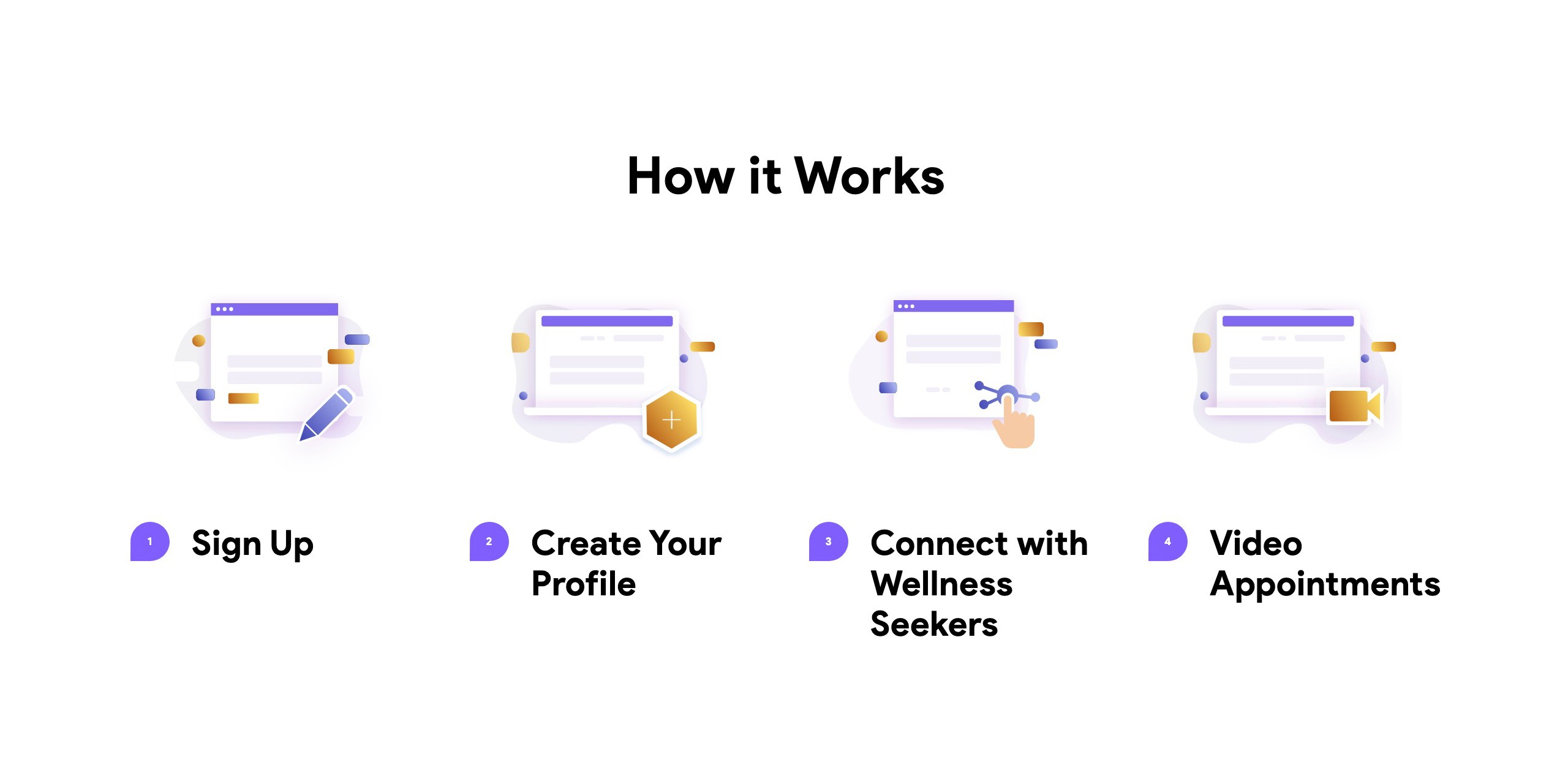
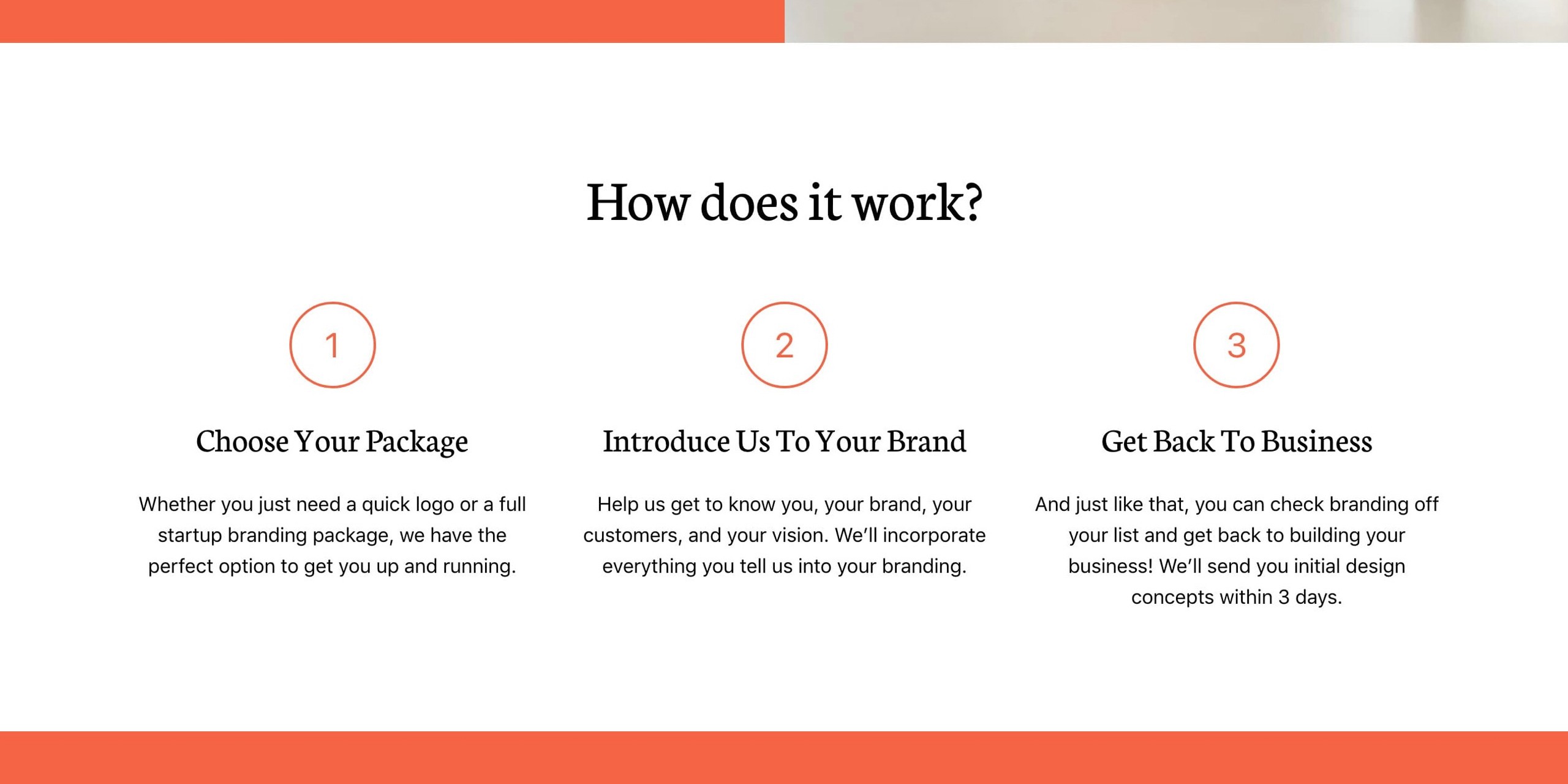
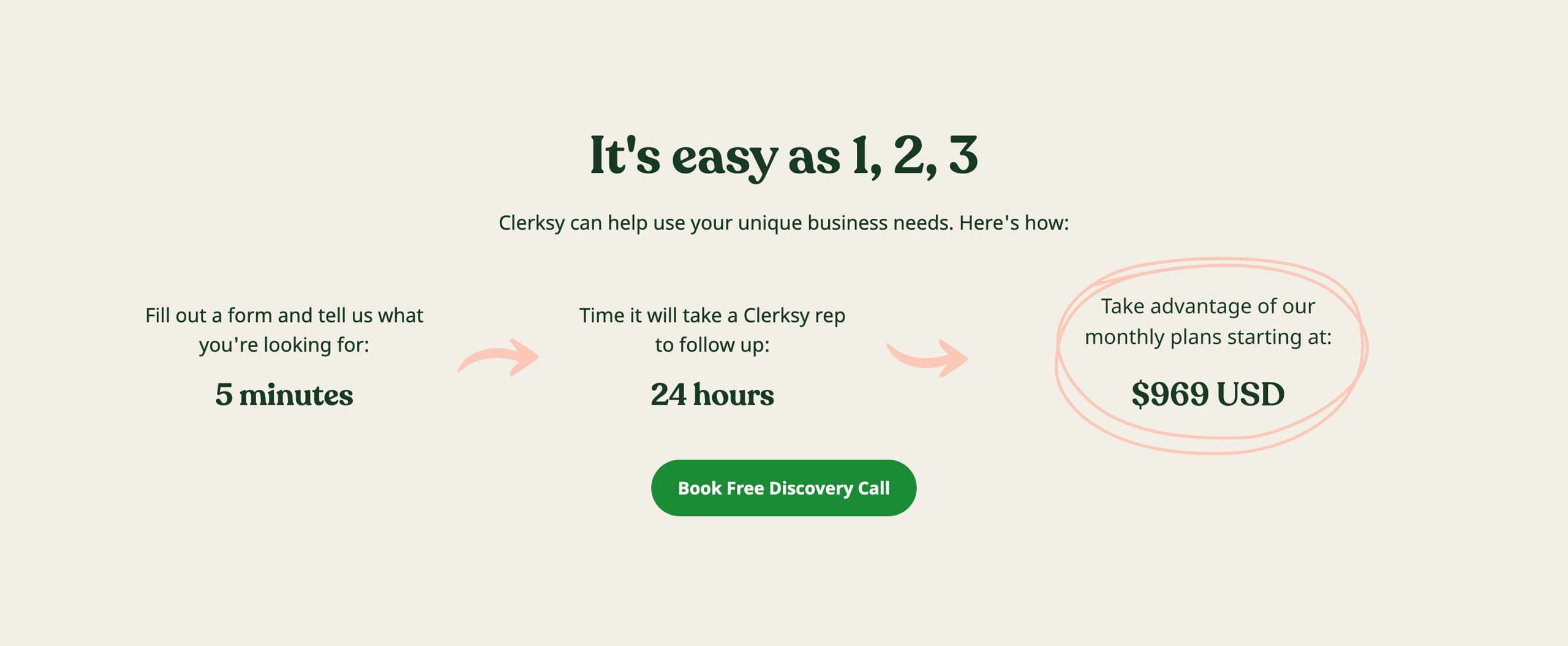
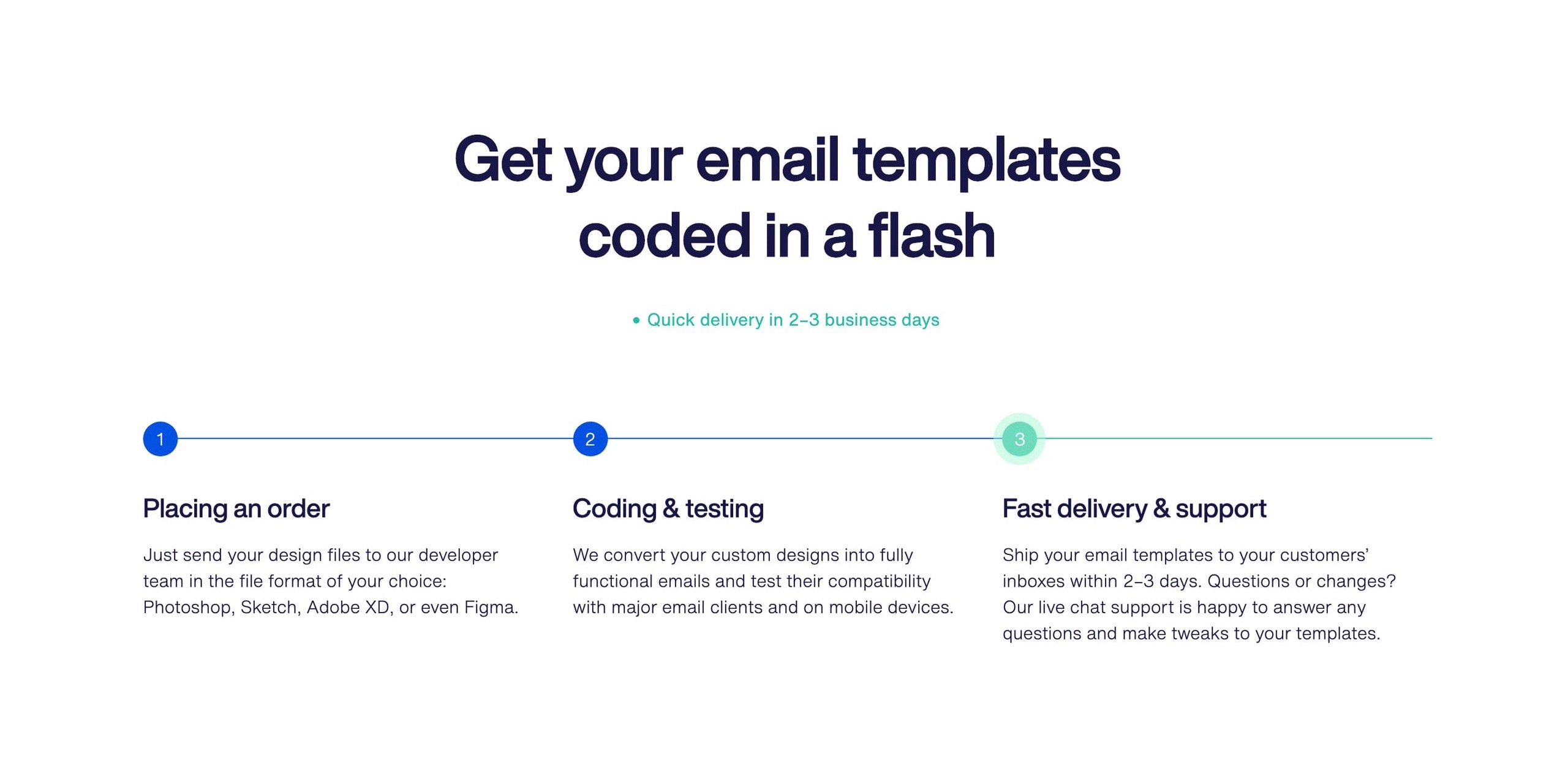
And the second? I’d argue it’s to show them the exact steps needed to go from sign up to smooth sailing. Invest some time here. Use numbered lists. The more visual it is, the better.


Hot It Works reference
TelMD

Hot It Works reference
Logoswift

Hot It Works reference
Clerksy

Hot It Works reference
Crafting Emails

If you can show the Landing Page visitor just how easy it is to get started, they’re more likely to give it a try.

How it Works Examples - An ongoing collection I've put together of well-designed or interesting How it Works sections in Landing Pages

Landing Pages with How It Works - A collection of Landing Pages I've curated featuring how it works sections.