A free resource by Rob Hope
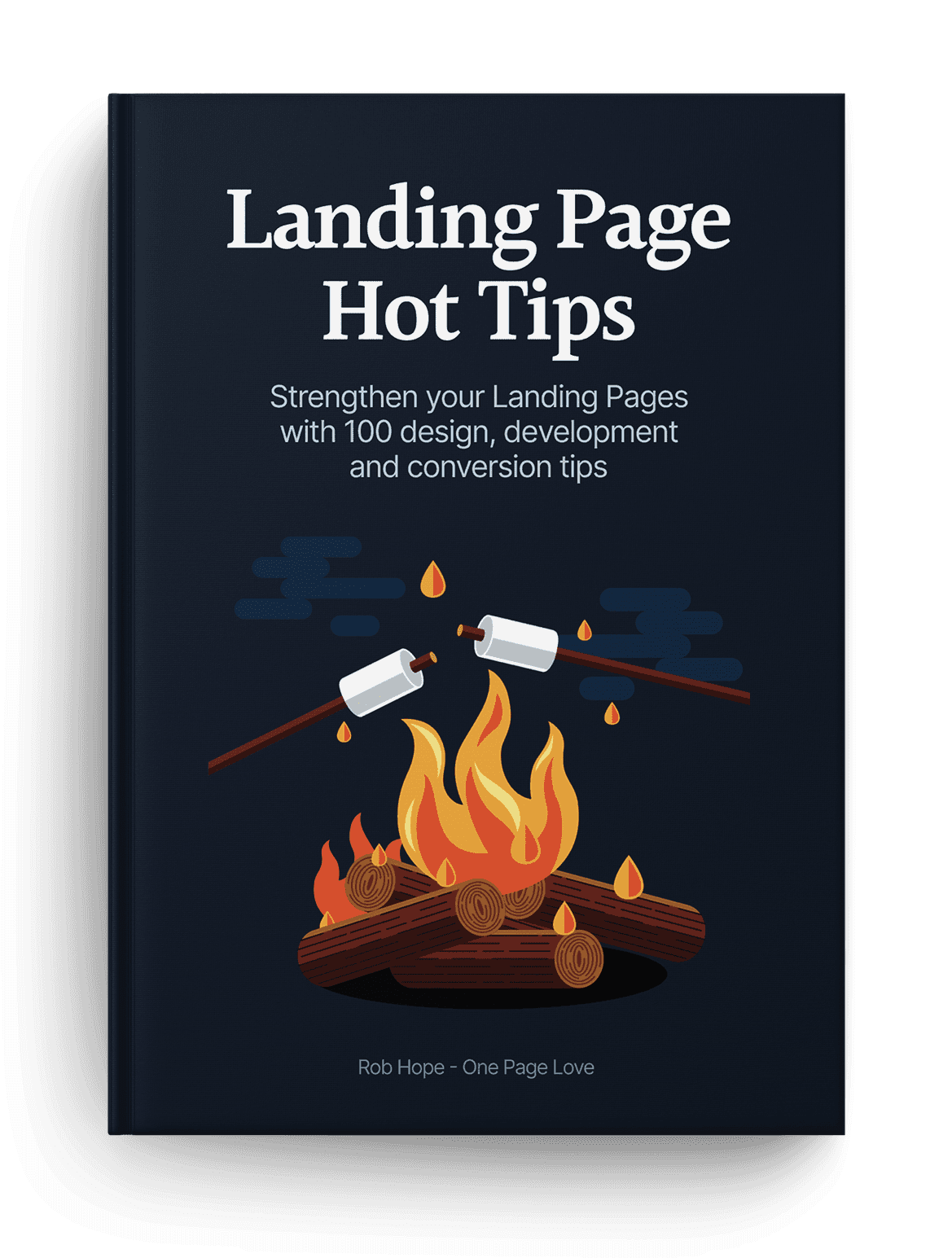
100 snackable tips
Improve your Landing Pages with 100 digestible tips. Each tip features a few paragraphs, visual references and related resources.
Foreward

It Depends.

Ha! The best and worst advice one can give.

Context is everything when it comes to Landing Page optimization.

  1. Who is your target demographic?
  2. What is their problem?
  3. How does your offering solve it?

Every Landing Page has a different objective. So before we get going, you need answer those three questions and set them in stone.

Got your answers? Great.

Now what would your target demographic need to see and read in a Landing Page to be persuaded to go all the way?

Unsure? No problem. That's why I created this book.

One hundred tips can be overwhelming. So to get the most out of this book, I recommend reading a handful at a time, digesting the info, and then implementing the lessons that resonate the most with you.

The goal of the book is not to turn a Landing Page into a money-maker overnight. It's for you to strengthen your current and future Landing Pages through understanding.

And context.

Wishing you the strongest of Landing Pages.

Rob Hope

Signature

Signature

Utilize customer testimonials

Hot Tip #01 is to utilize your customer testimonials by highlighting features and answering doubts.

So often I see Landing Pages packed with testimonials providing very little value to the visitor. Let’s compare two testimonials. The first is by a customer, Gavin Jenkins:

"I’m a huge fan of the brand, so I’m glad I could finally sample their product."– Gavin Jenkins

Note how Gavin’s testimonial is generic, offering superficial information to the potential customer reading it. This second testimonial is also by a customer, Kim Davis — but note the difference:

"So glad I could finally experience their superb quality myself and I was quite impressed by the thoughtful packaging of such a delicate item."– Kim Davis

See how Kim’s testimonial highlighted a product feature while also answering a potential doubt? The feature being the build quality and the potential doubt being if postage would damage the item.

Round up all of your customer testimonials and select only the choice few adding value for your Landing Page visitor.

  • How to request testimonials – A three-step method to help generate great Landing Page testimonials from your customers.
  • Testimonial examples – A more specific collection I’ve put together of well-designed or interesting Testimonial examples in Landing Pages

Showcase testimonials from a similar demographic

Hot Tip #02 is to showcase testimonials from similar demographics to your potential customers.

If you are selling enterprise-level support software, it’s wise to curate testimonials from customers who work for enterprise-sized businesses.

Put yourself in your Landing Page visitor’s shoes and imagine the concerns of an enterprise customer. They’ll be wary of moving a huge amount of staff over to new support software due to the high stakes involved.

They’ll also want to know other enterprise businesses took this risk and made this transition successfully.

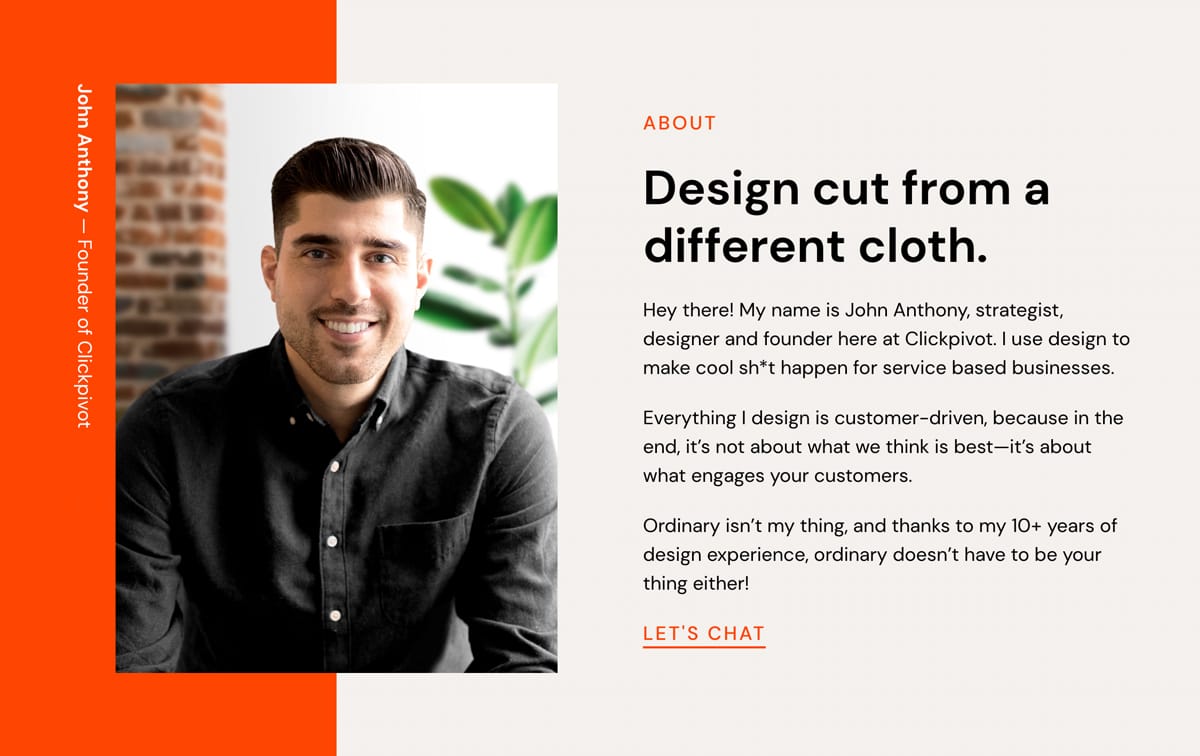
Using Hot Tip #01 as a guide, I’ve hand-picked this excellent testimonial by enterprise customer, Dave Lewis:

"Our team just loves how easy to use the software is and support response time improved by 22% in month one."– Dave Lewis

Glowing feedback, right? Now, let’s take it a step further by highlighting who he works for alongside his name. In this case, Dave is the VP of Customer Relations at Starbucks, which adds significant weight to the testimonial as its backed by an enterprise-sized business:

"Our team just loves how easy to use the software is and support response time improved by 22% in month one."Dave Lewis – Starbucks VP Customer Relations

  • Avataaars – Online avatar generator for when customer imagery isn’t available or poor quality. Try not mix animated with real customer images. So choose a style for consistency.

Fewer images, better images

Hot Tip #03 is to use fewer images but also better images.

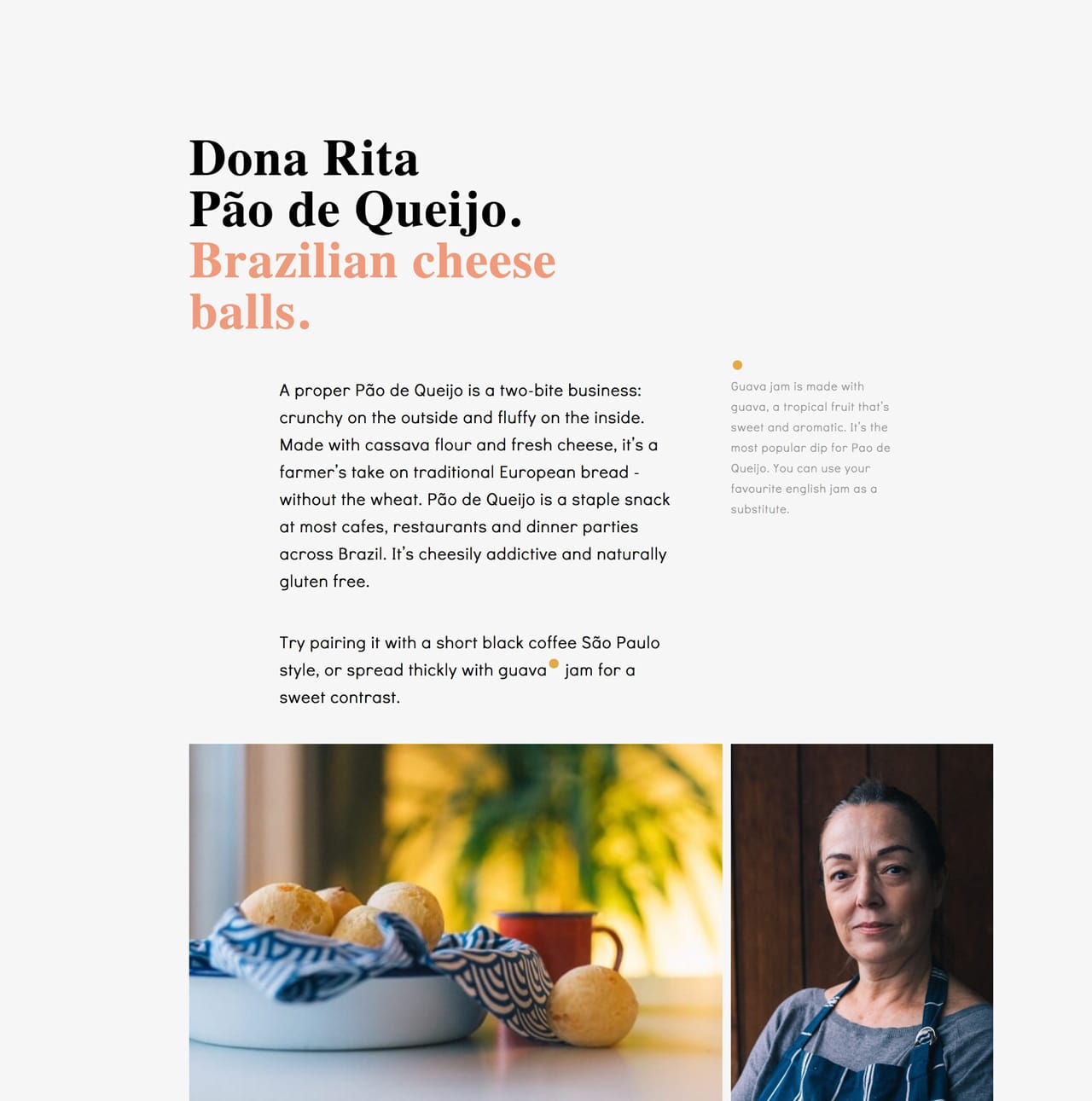
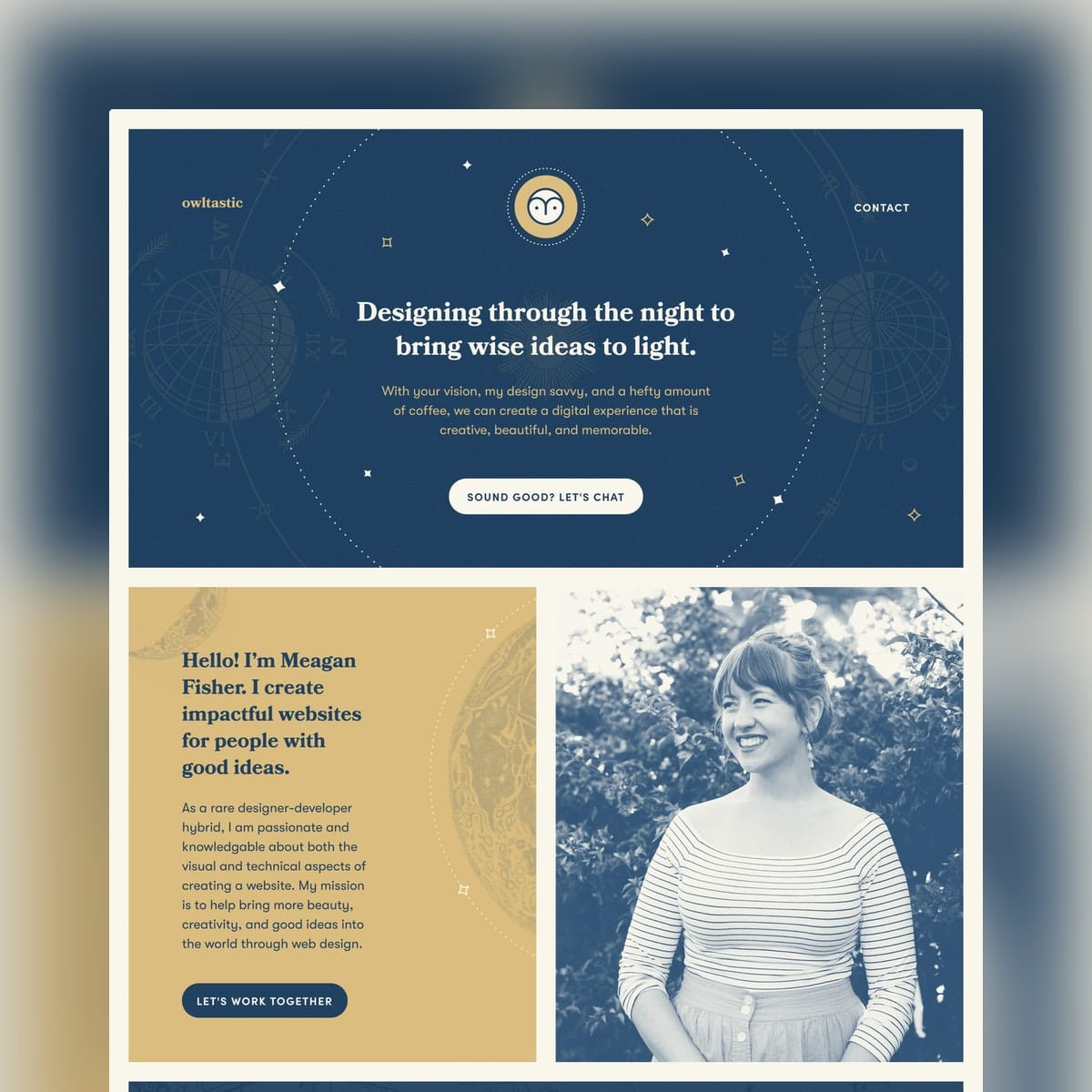
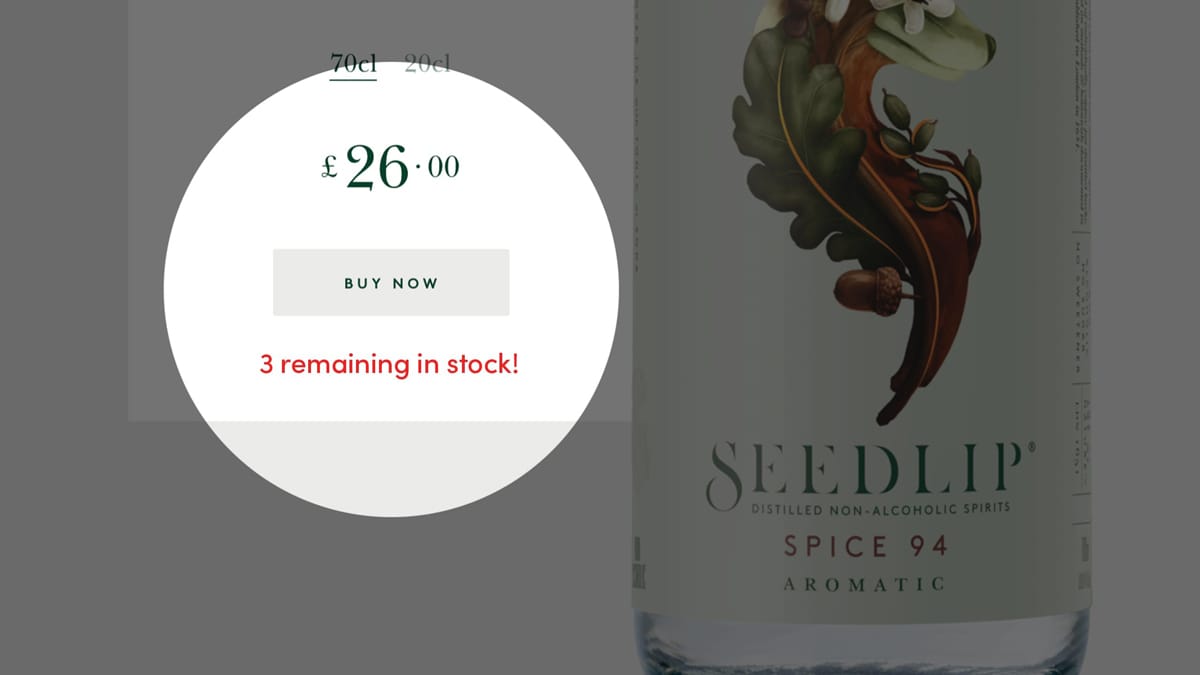
Good imagery builds trust, and trust is the foundation for conversions. When it comes to your visuals — spend the money!

Dona Rita website Logoswift website

Invest in a photoshoot of your team, your product, your food. The ROI on a professional photoshoot is pretty much guaranteed.

  • ImageOptim – My go-to for image size optimization for JPG, GIF, PNG and SVG.
  • Optimage – An alternative image size optimization tool by Vlad Danilov. Conveniently optimizes MP4 too.
  • Stocksy – My favorite premium resource for stock images. If you only need a single authentic image for your Landing Page, seriously consider starting here.
  • Squareshot – Service to send your physical product and they’ll send back top quality photos of it for your Landing Page.
  • Noun Project Photos – Just launched so a good resource of less-used, quality stock imagery. Pricing is around $33/image for commercial use.
  • Unsplash – High quality, well curated free stock images.
  • Pixabay and Pexels – Both good free stock image alternatives if a search term isn’t winning on Unsplash. Both include stock video too.
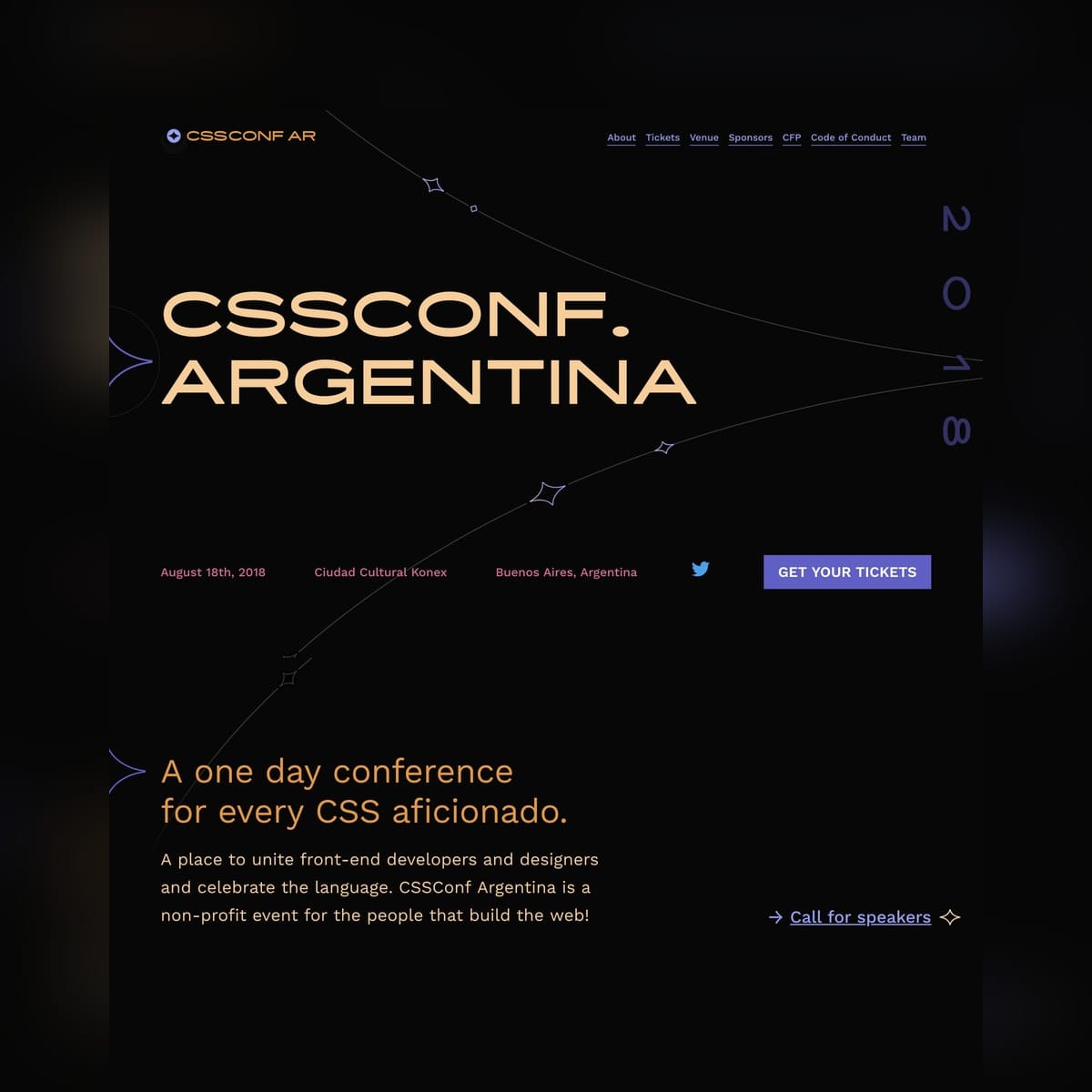
  • Team Section Inspiration – A collection I put together with 20+ team sections in Landing Pages.
  • IMGIX – Image CDN’s are a bit excessive in most Landing Pages but I use IMGIX for my full network of sites. The real benefit is you can upload a big image once, then manipulate (size, compression) the output using only code. I cannot recommend it enough and I do use it for Landing Pages within my bigger sites.

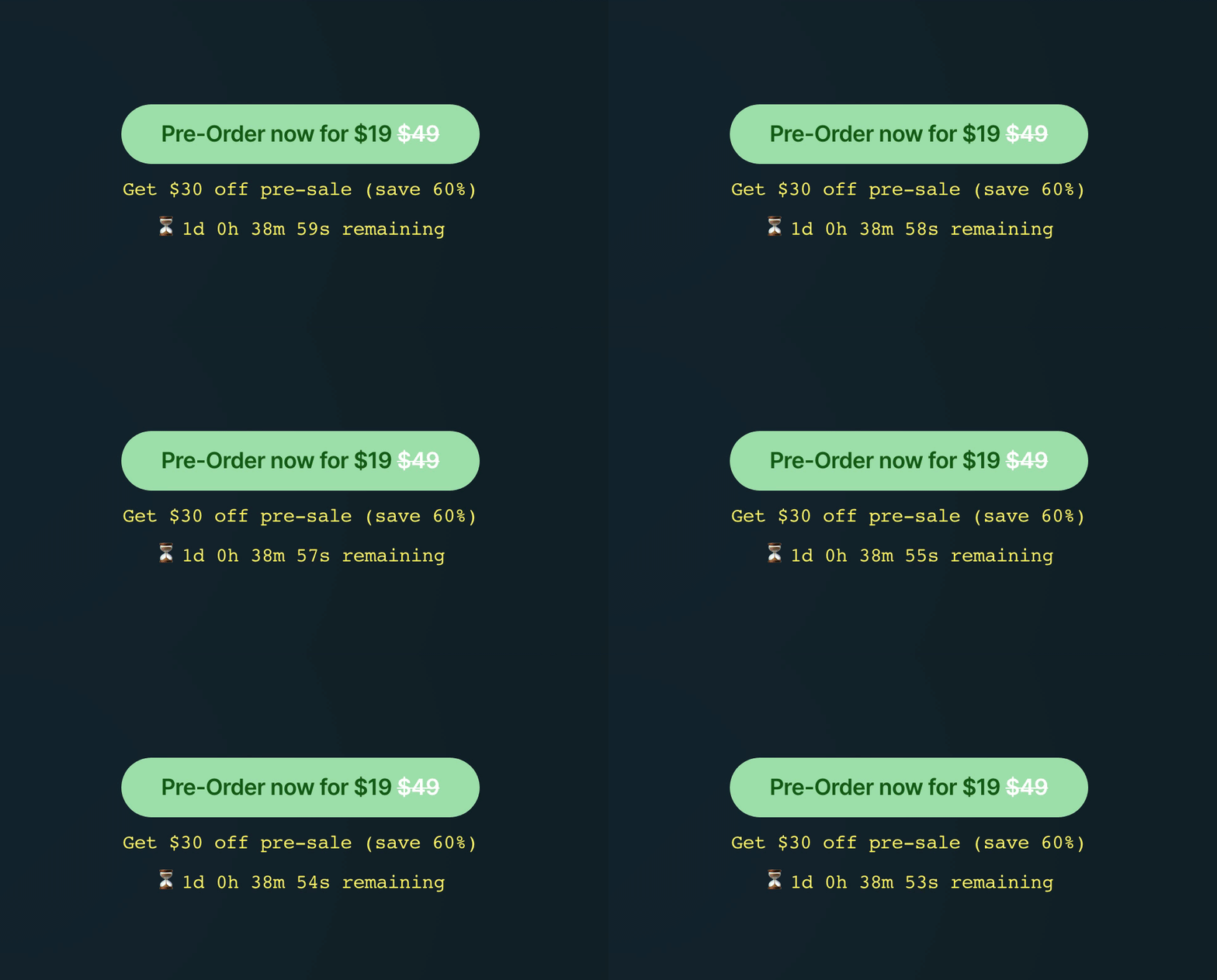
Spice up Call-To-Action buttons

Hot Tip #04 is to spice up your Call-To-Action (CTA) buttons.

Remember: you’re excited to share your product or service!

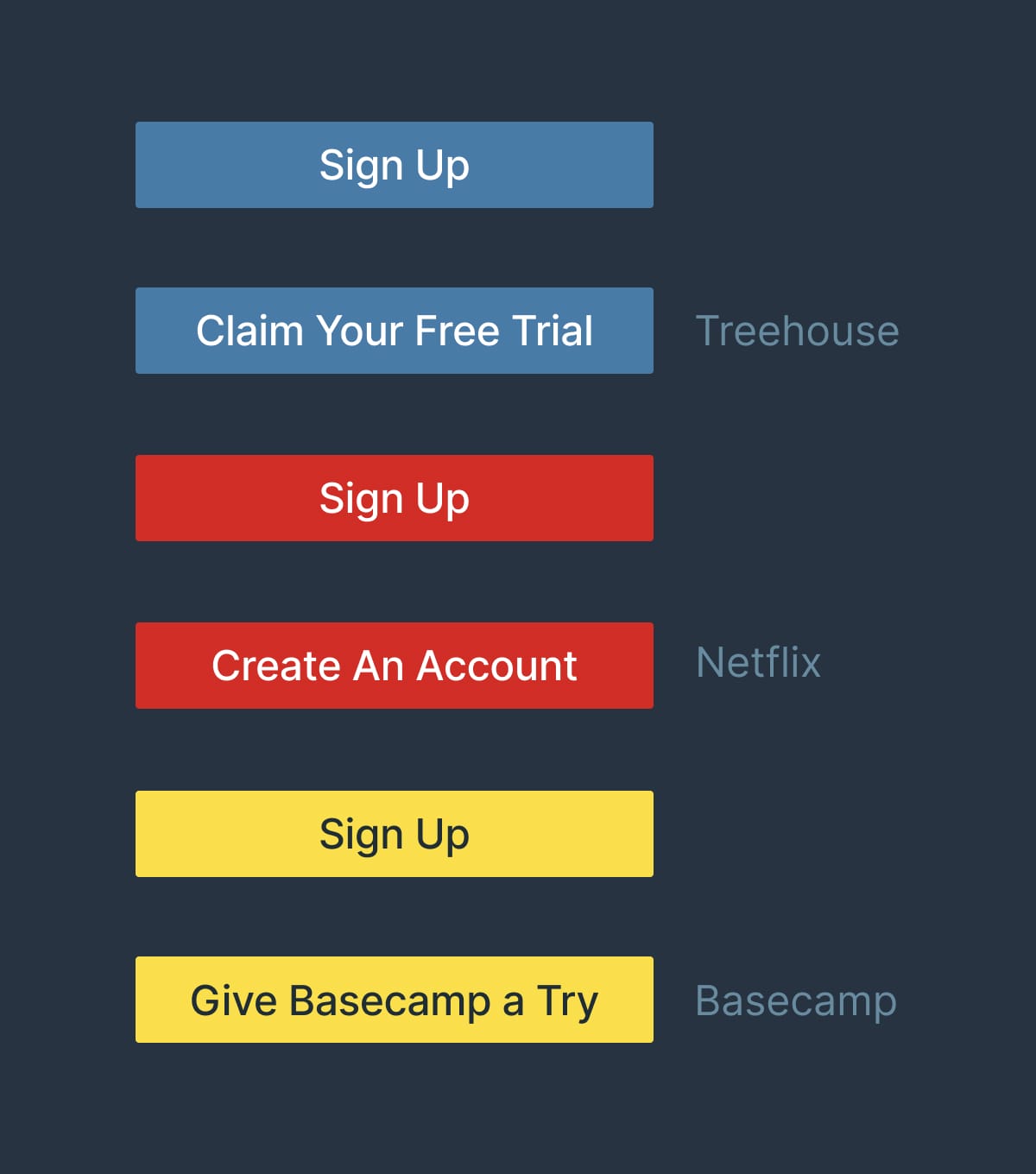
🚫 Click Here
🚫 Sign Up

Too bland.

Use actionable phrases.

✅ Request a call from our agents
✅ Discover the wonders of science
✅ Unlock creativity for only $19

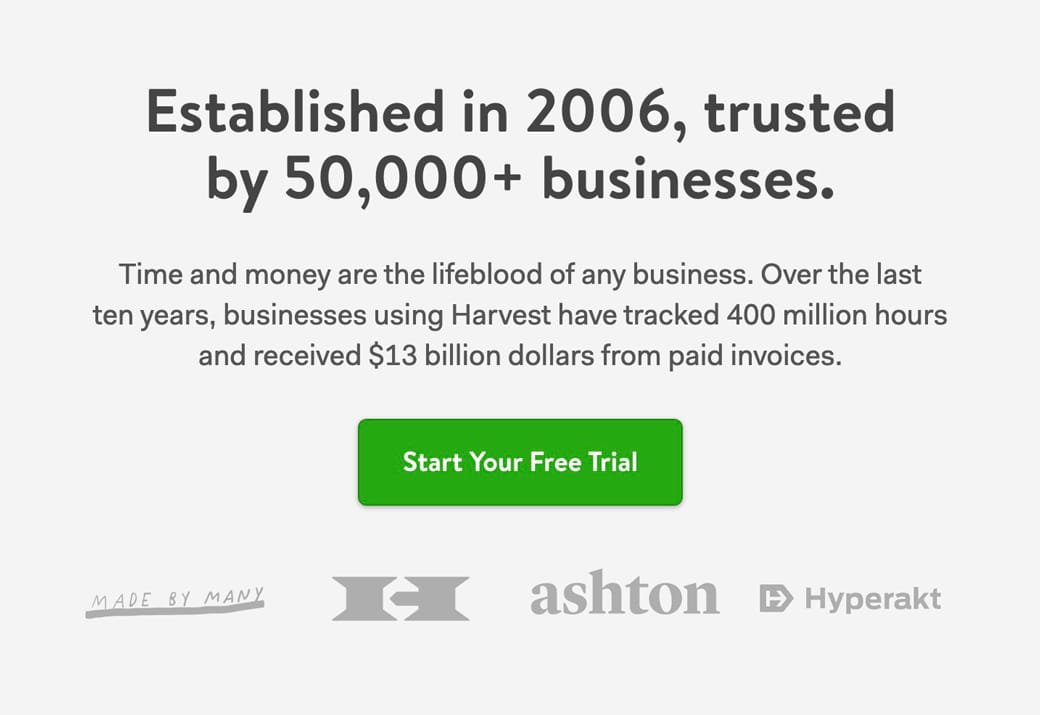
Let’s take a look at what the big dogs are using:

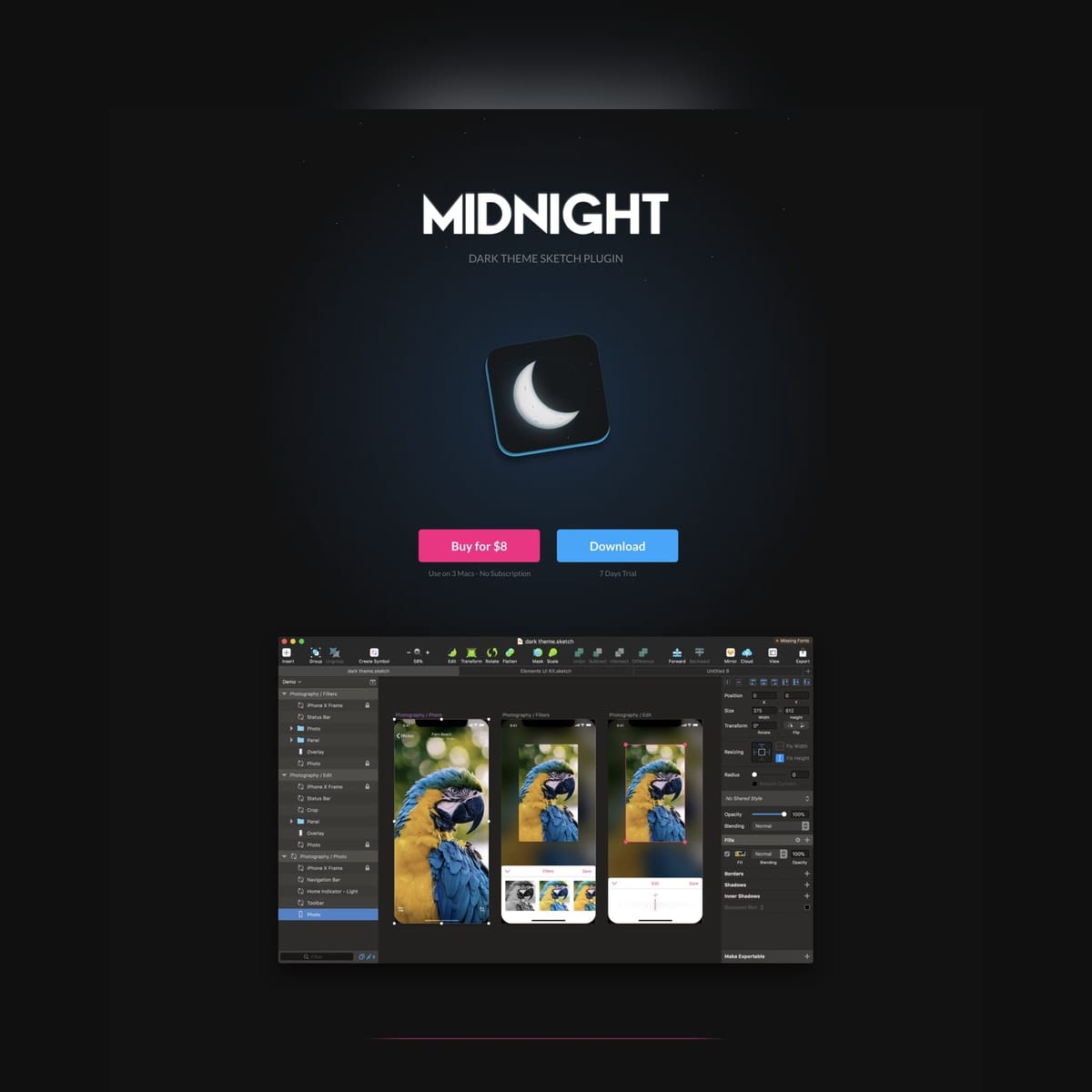
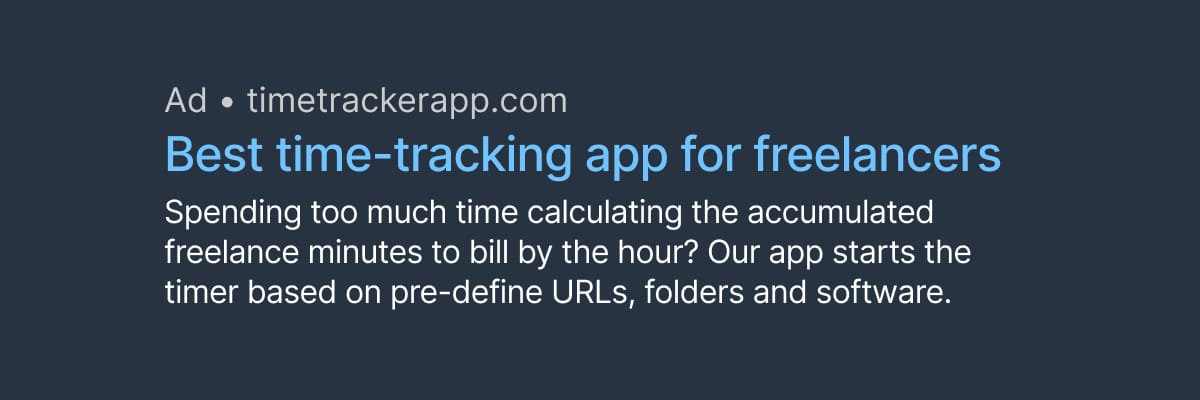
CTA button references

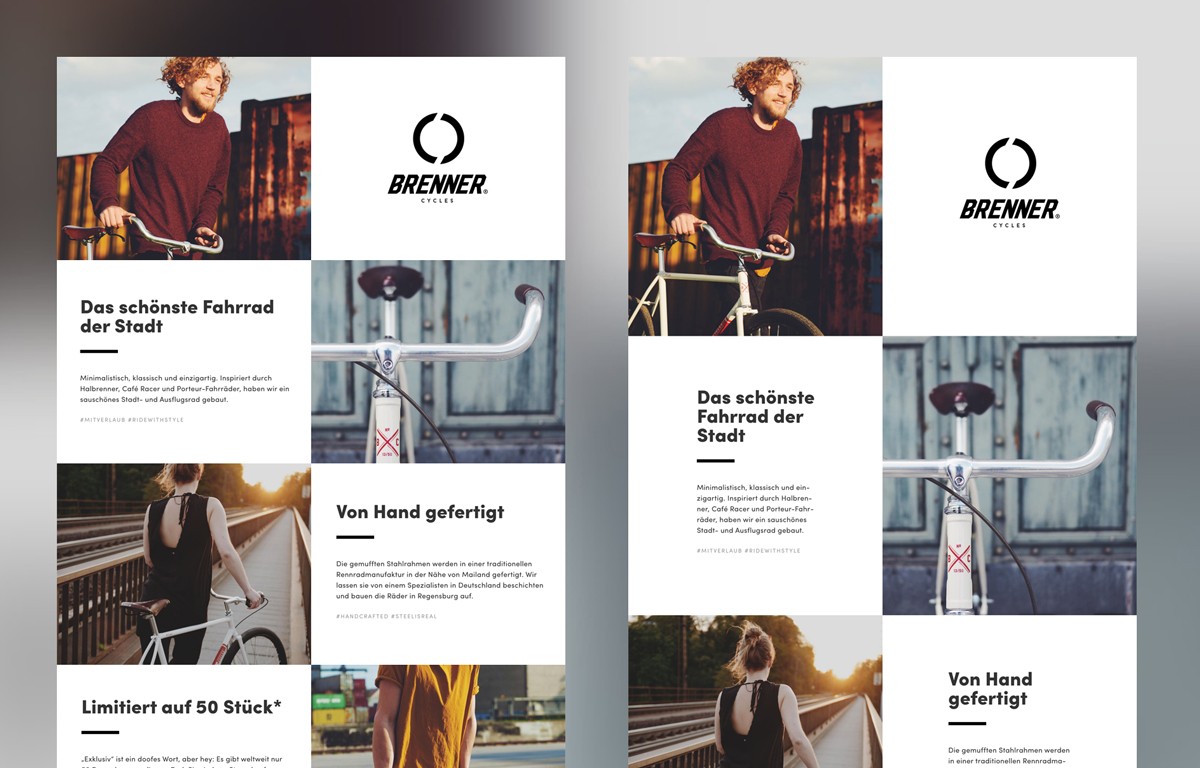
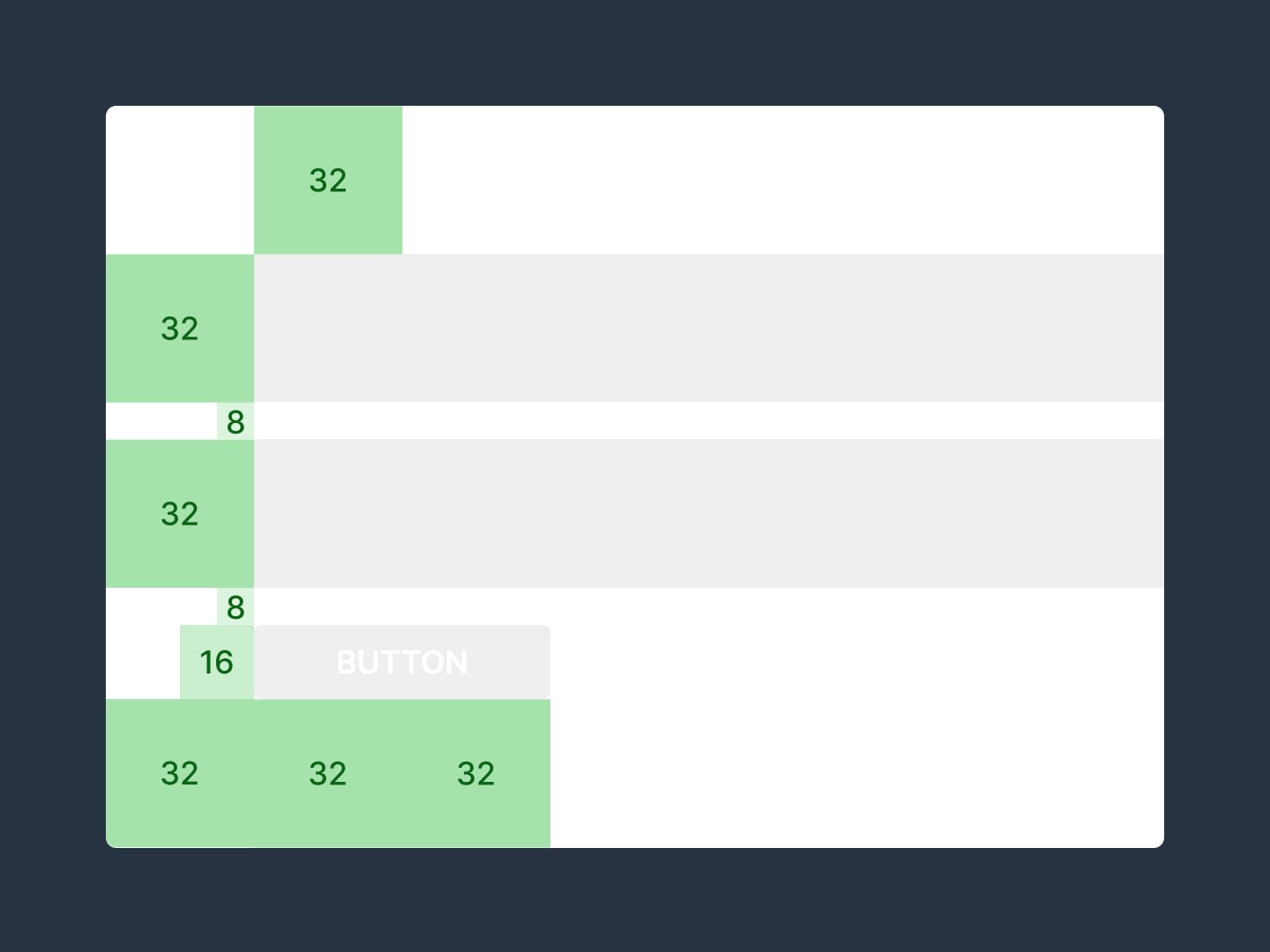
When in doubt, double the padding

Hot Tip #05 is when in doubt, double the padding.

Whitespace isn’t just breathing room for your content, it’s breathing room for your potential customer.

Digestible content improves focus and clarifies what you’re offering.

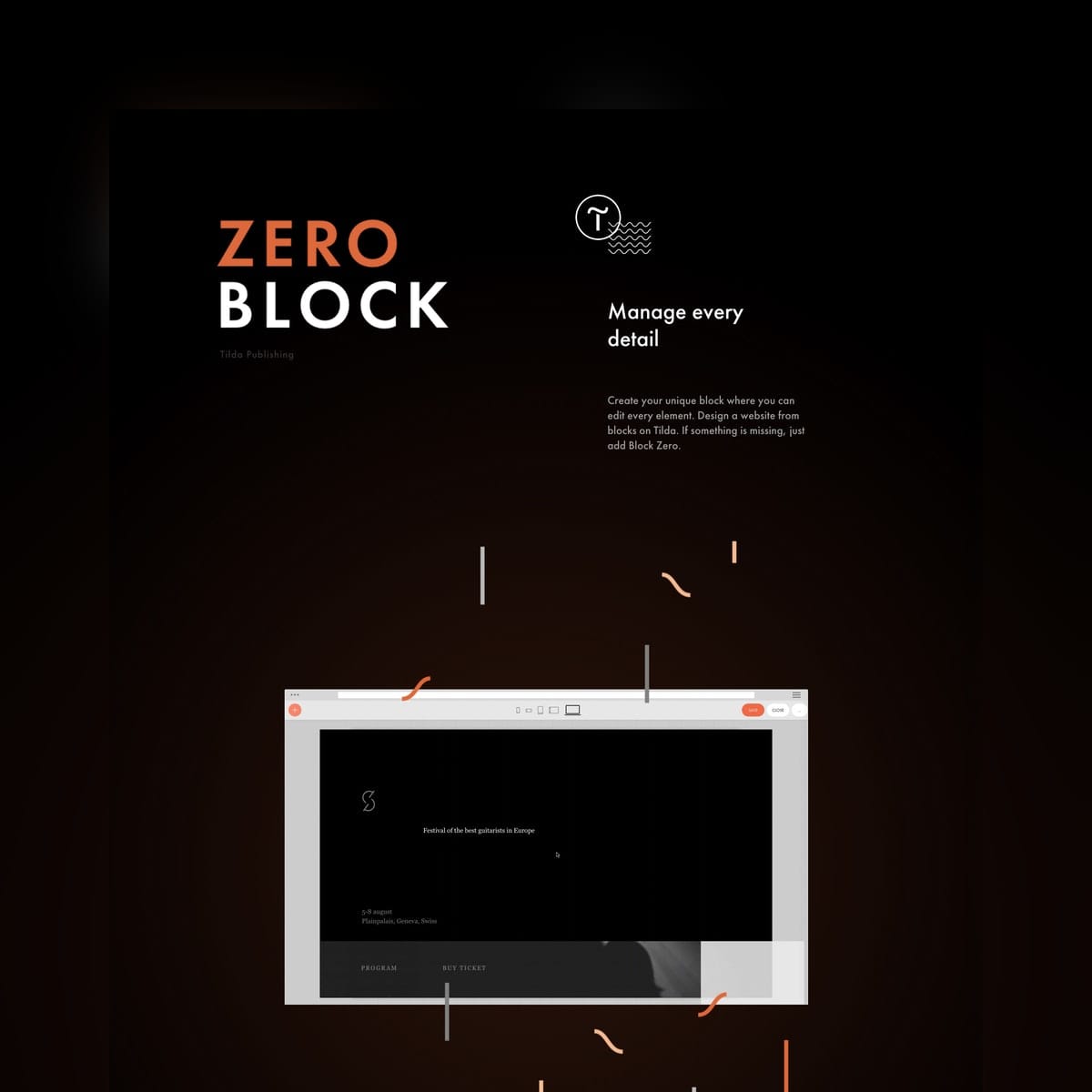
Whitespace reference

If your Landing Page feels overwhelming, double the padding and I think you’ll be pleasantly surprised.

Empathize with the visitor’s problem

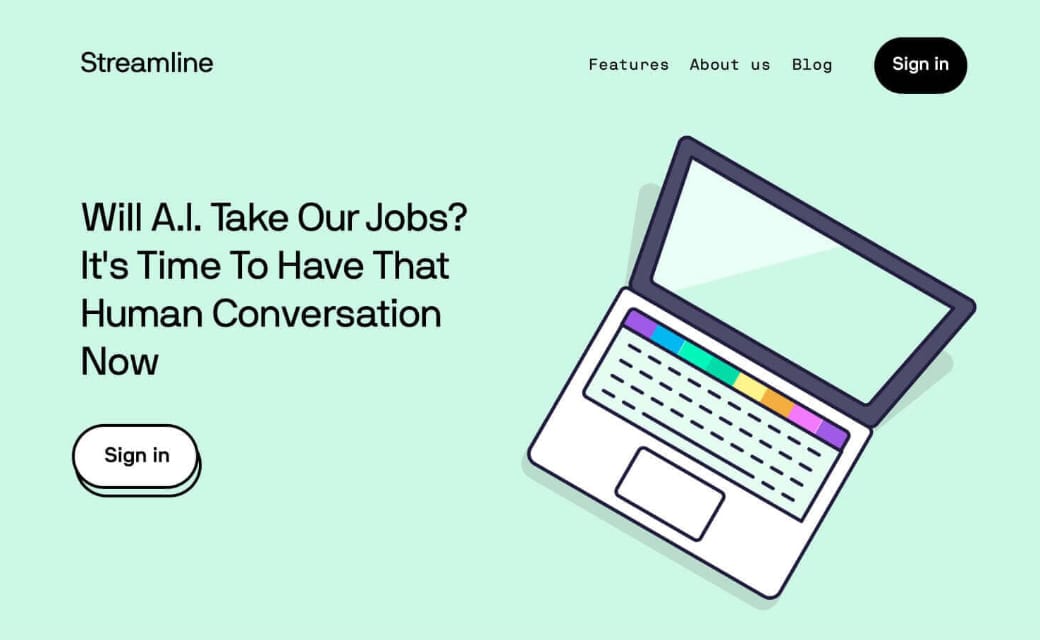
Hot Tip #06 is to empathize with the visitor’s problem using your intro copy.

Then explain exactly what your product or service does in the subtext, removing all verbose words or phrases.

🚫

The world’s most innovative invoice tracking software

XYZ Invoicing uses the cutting edge InvoAlgo algorithm to programmatically track unpaid invoices to send clients reminders using conversion-optimized email templates tested on 1000s of happy customers.

Wasting time chasing late client payments?

XYZ Invoicing sends automated reminders to clients with outstanding invoices.

Remember, your Landing Page is there to impress with choice previews, highlights and testimonials.

So start by making the visitor feel your offering was destined for them, in the simplest way possible.

  • Title Advice – A fun Landing Page title breakdown by Annie Maguire from Marketing Examples.
  • Headlime – A headline generator to help brainstorm dozens of possibilities.

Avoid center-aligned or justified paragraphs

Hot Tip #07 is to avoid center-aligned or justified paragraph text.

When applied to long paragraphs, these two alignments can be difficult to read. This can result in fatigue while browsing Landing Pages with a lot of content.

Let Neil deGrasse Tyson take us through it:

🚫 Center-aligned

We think scientific literacy flows out of how many science facts can you recite rather than how was your brain wired for thinking. And it’s the brain wiring that I’m more interested in rather than the facts that come out of the curriculum or the lesson plan that’s been proposed.

✅ Left-aligned

We think scientific literacy flows out of how many science facts can you recite rather than how was your brain wired for thinking. And it’s the brain wiring that I’m more interested in rather than the facts that come out of the curriculum or the lesson plan that’s been proposed.

🚫 Justified

You have people who believe they are scientifically literate but, in fact, are not. And I don’t mind if you’re not scientifically literate, but just admit that to yourself, so that you’ll know, and perhaps you can take a first step to try to eradicate that. You have people who believe they are scientifically literate but, in fact, are not. And I don’t mind if you’re not scientifically literate, but just admit that to yourself, so that you’ll know, and perhaps you can take a first step to try to eradicate that.

✅ Left-aligned

You have people who believe they are scientifically literate but, in fact, are not. And I don’t mind if you’re not scientifically literate, but just admit that to yourself, so that you’ll know, and perhaps you can take a first step to try to eradicate that. You have people who believe they are scientifically literate but, in fact, are not. And I don’t mind if you’re not scientifically literate, but just admit that to yourself, so that you’ll know, and perhaps you can take a first step to try to eradicate that.

A good rule-of-thumb is that any paragraph with more than two lines should be left- or right-aligned.

  • Rags, Widows & Orphans – Kinda inappropriate naming but a good read on certain paragraph shapes and styles to avoid.
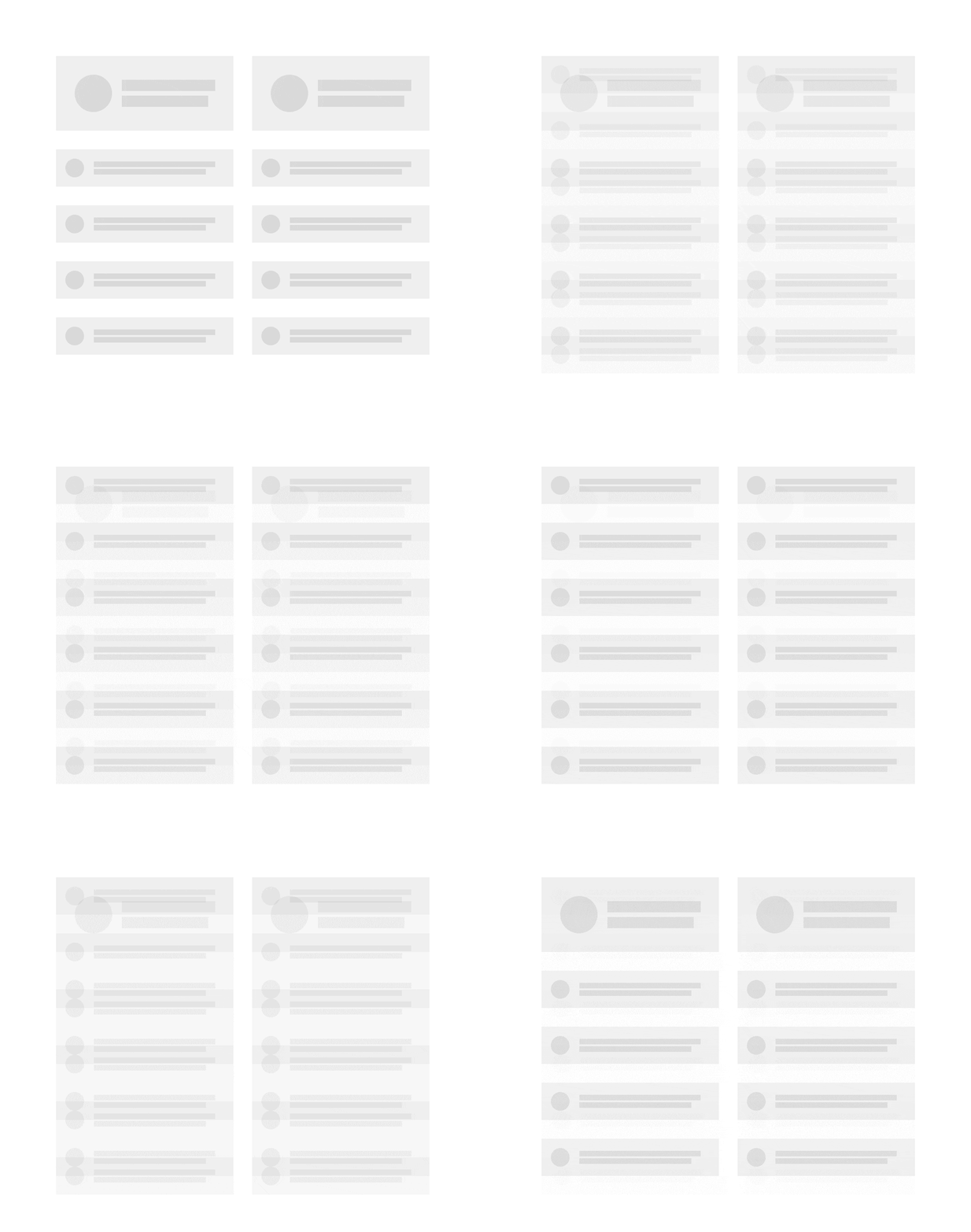
Replace, don’t add

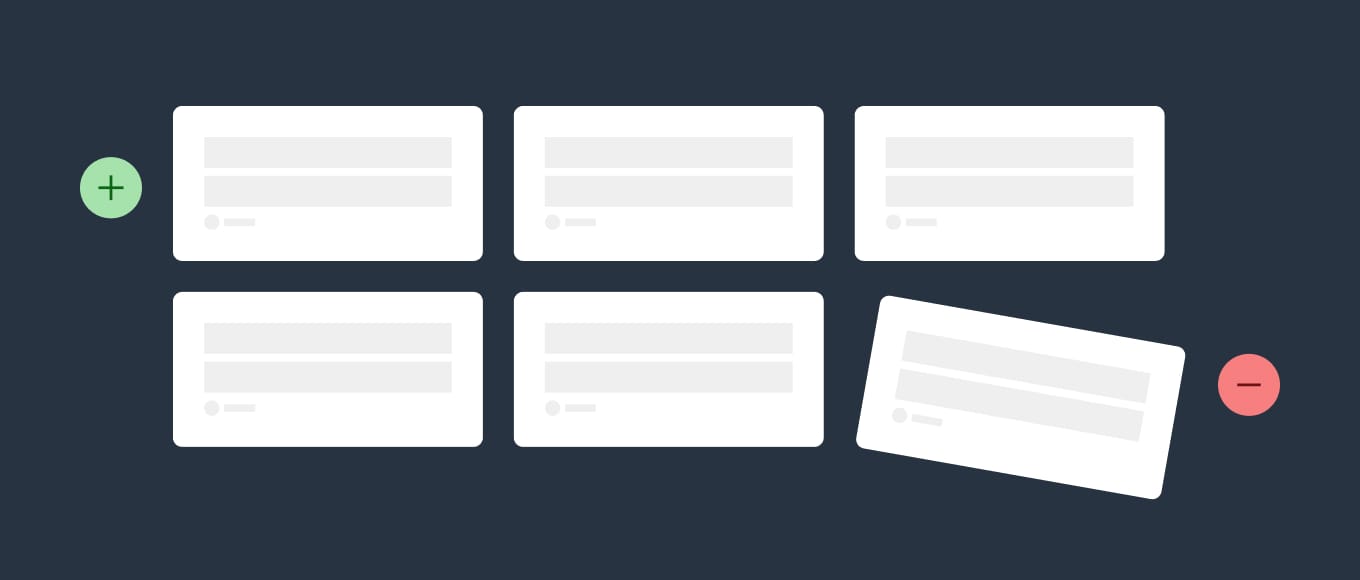
Hot Tip #08 is to replace old content when new content arrives.
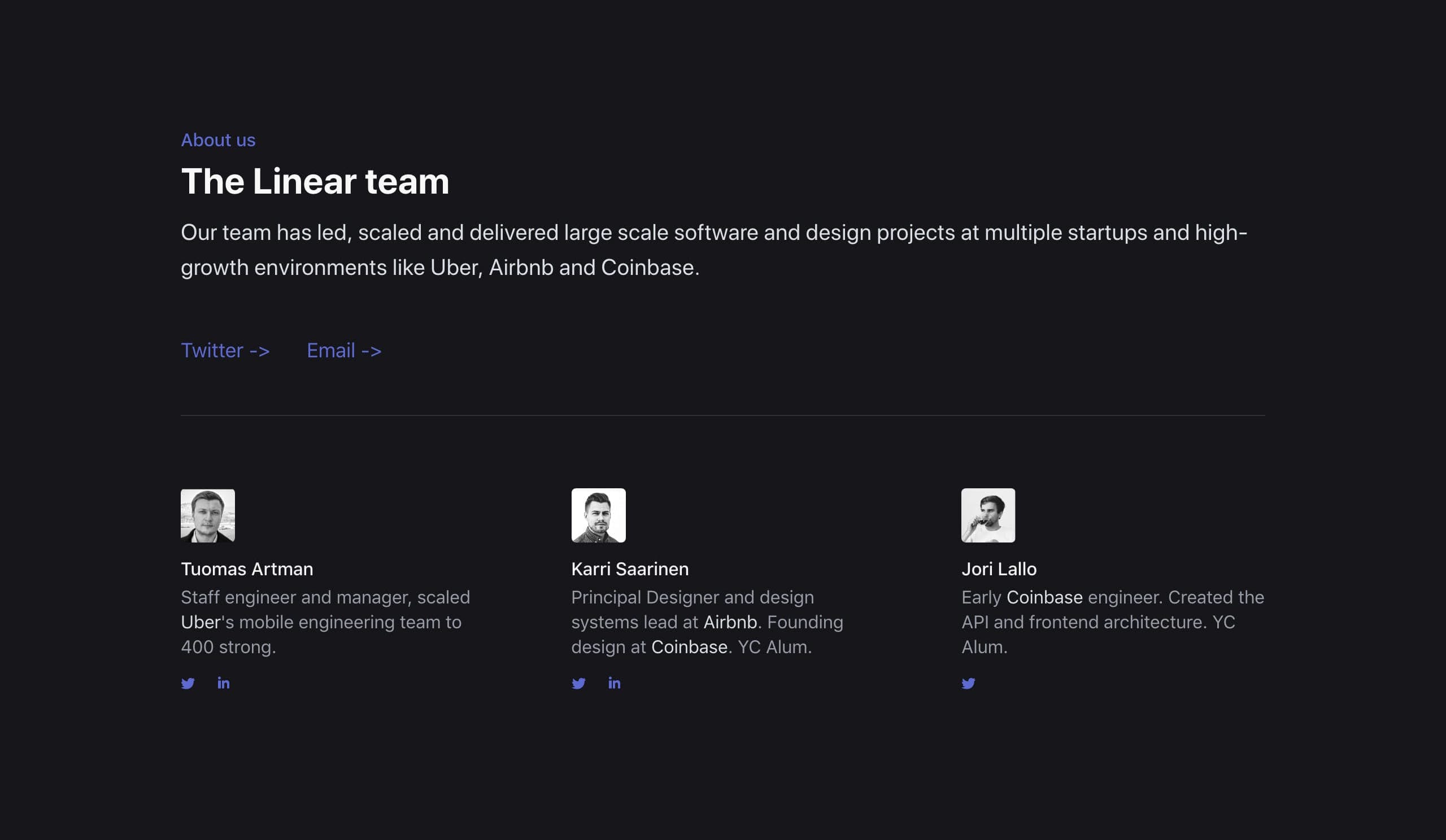
Your Landing Page with 8 testimonials does not need a 9th. Kick out the weakest of the bunch.
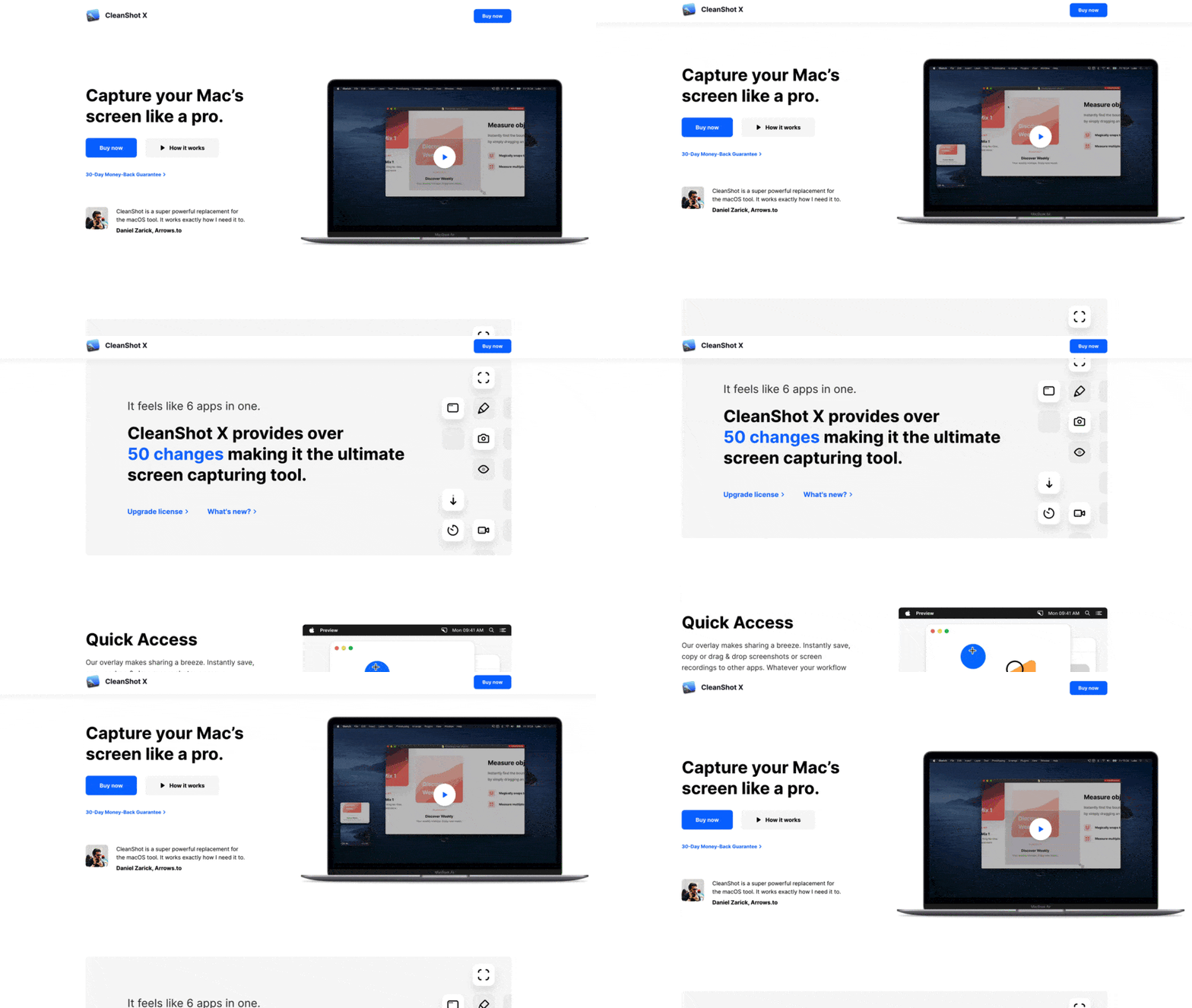
Replace, don't add infographic

The 6 best examples of your wedding photography.

Your top 4 customer reviews.

The goal is to persuade your Landing Page visitor with as little as possible.

Set a single objective

Hot Tip #09 is to set a single objective.

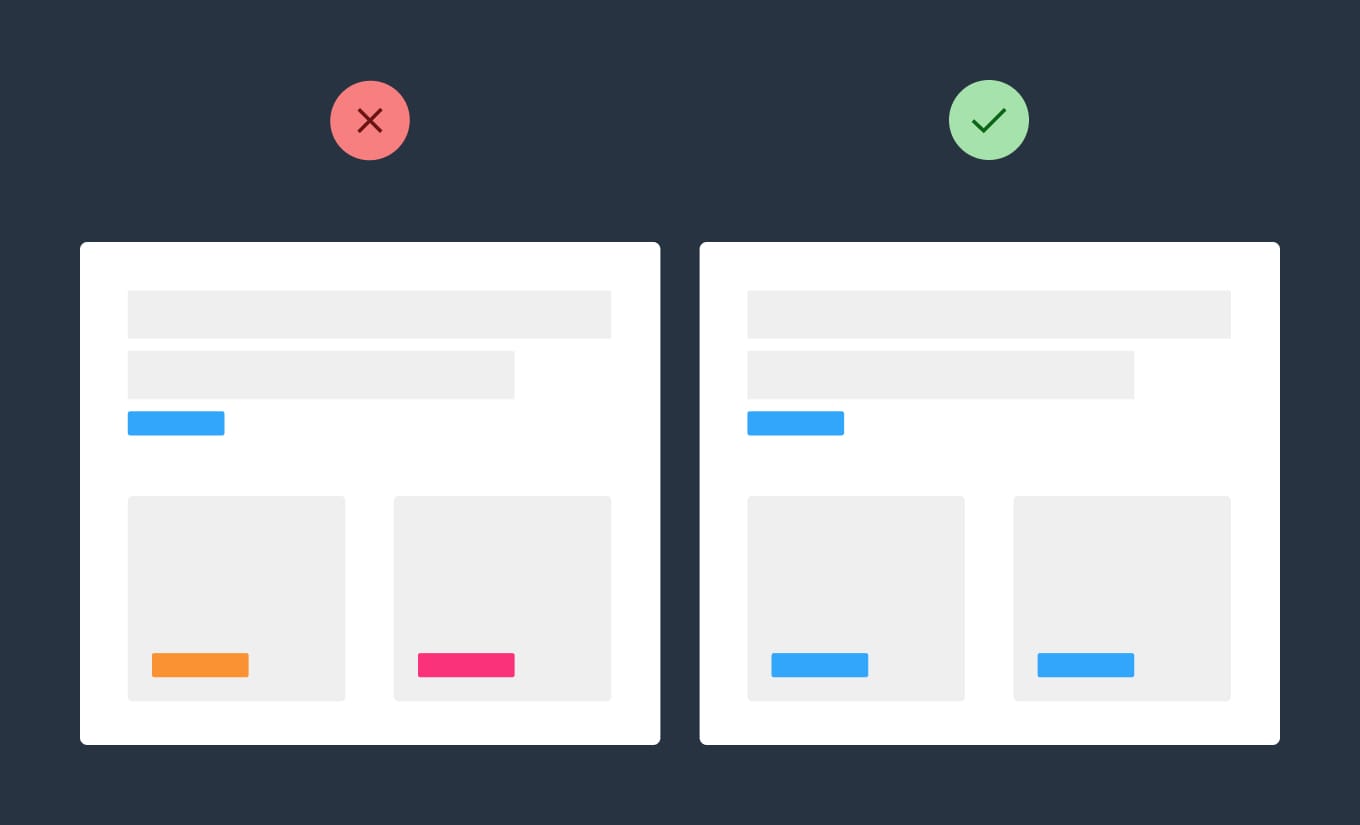
An effective Landing Page should only have one objective, not many.

🚫 Sell our eBook + promote our job board

✅ Sell our eBook

Set a single objective infographic

The beauty of a Landing Page is the single canvas to persuade the visitor to do one thing.

Create a text color hierarchy

Hot Tip #10 is to create a text color hierarchy.

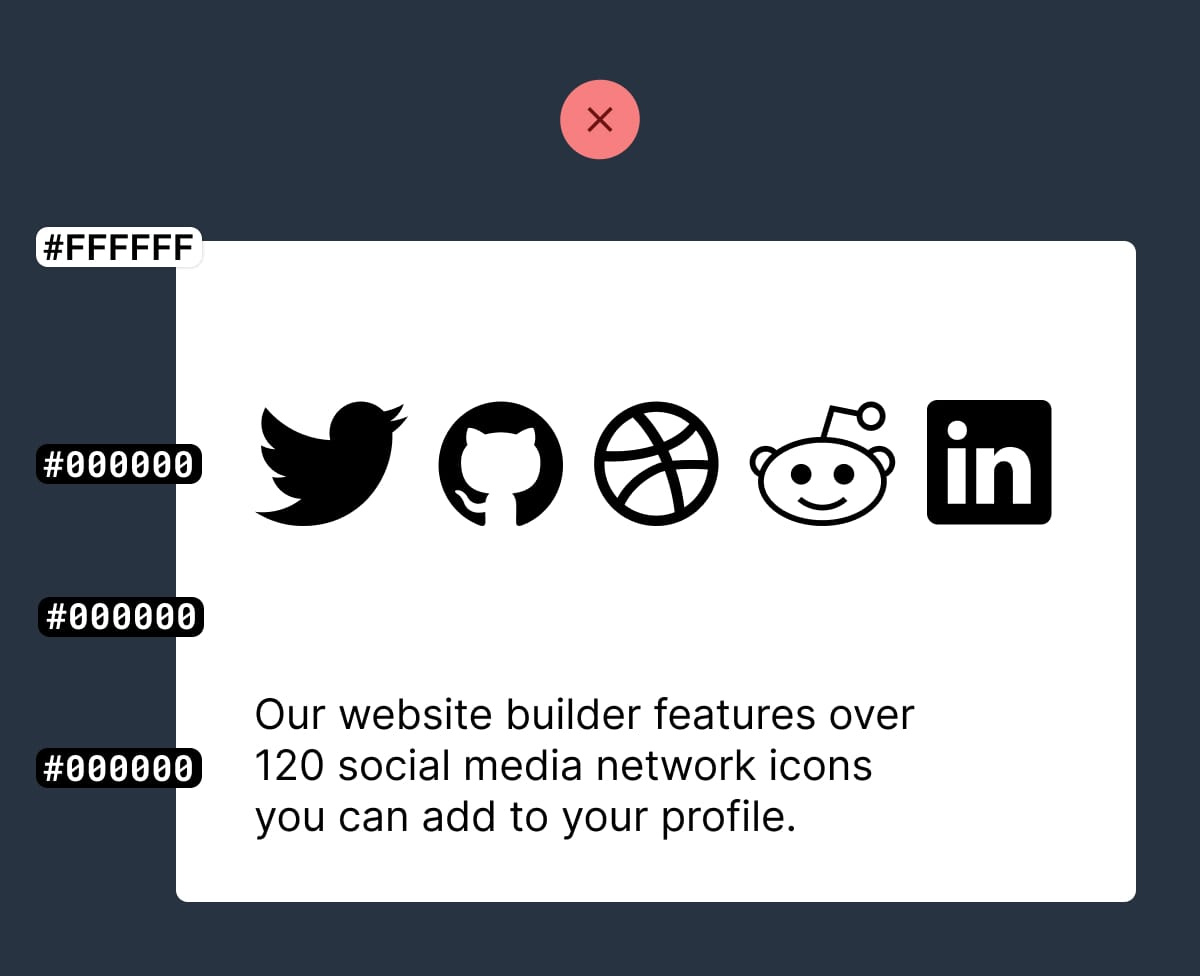
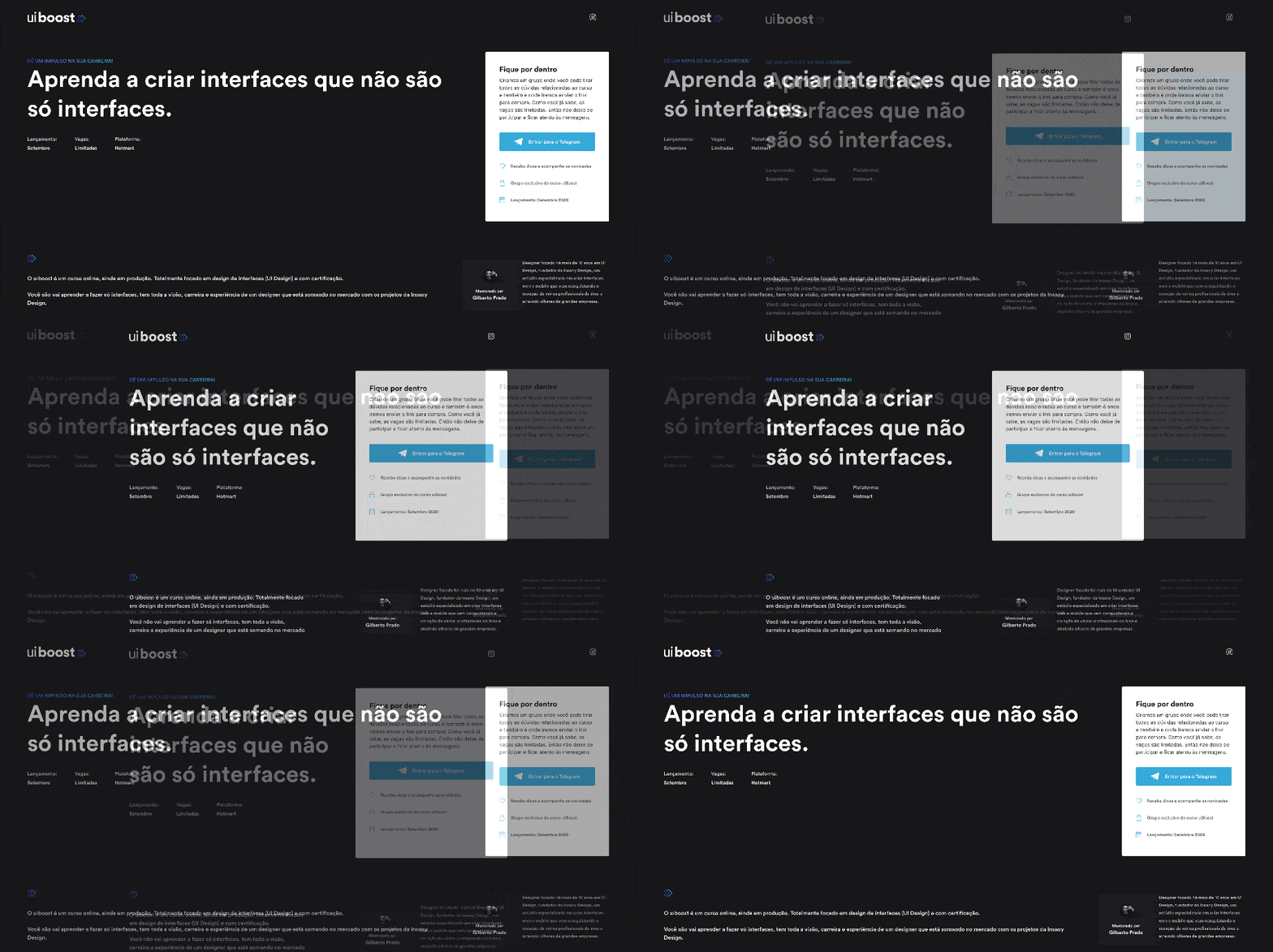
The biggest tell a Landing Page was built by someone with little design experience is black text with maximum contrast on a white background:

Maximum contrast example

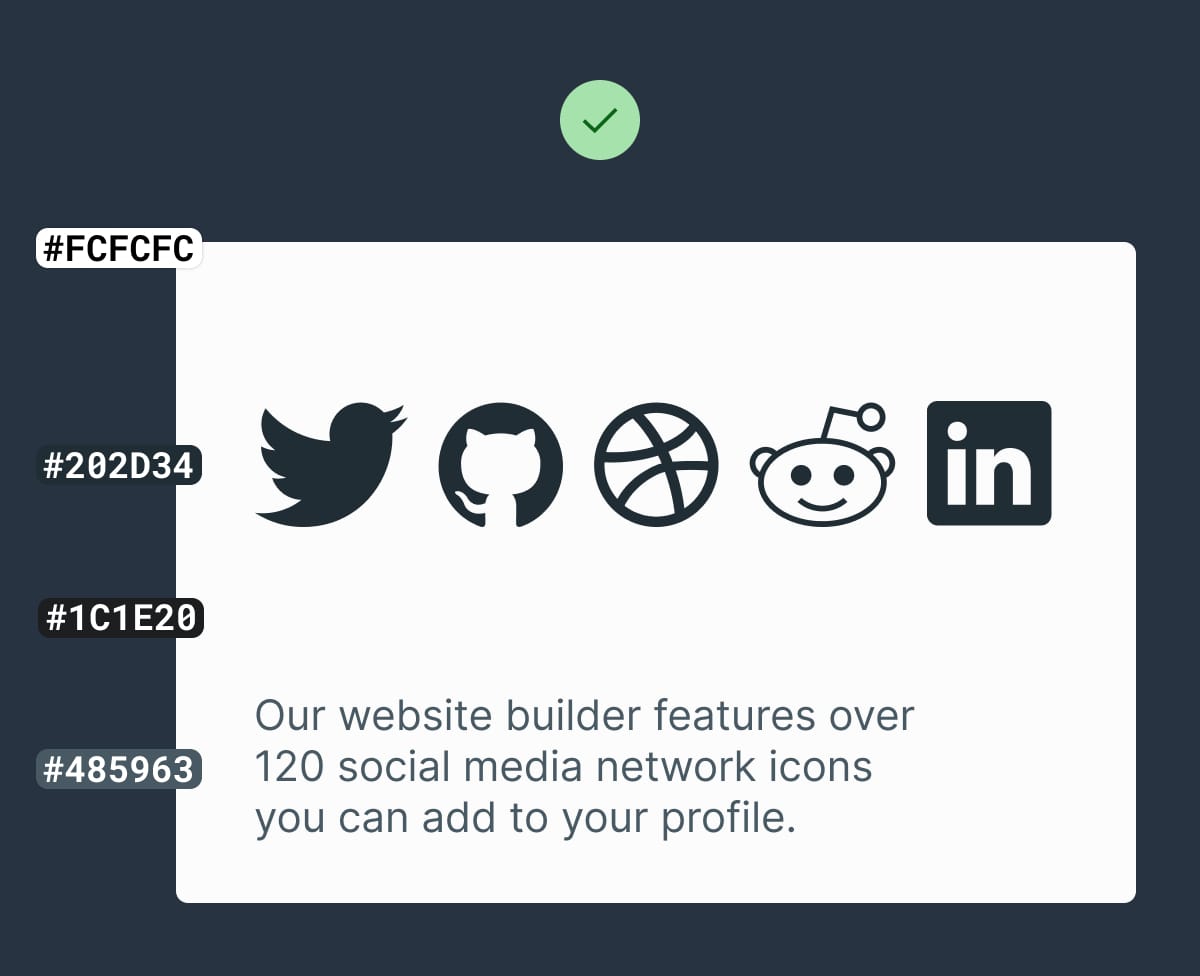
Soften the blow with an off-white background and a subtle grey/color text hierarchy:

Subtle contrast example

Some time spent here goes a long way towards creating a more pleasurable reading experience for your visitor.

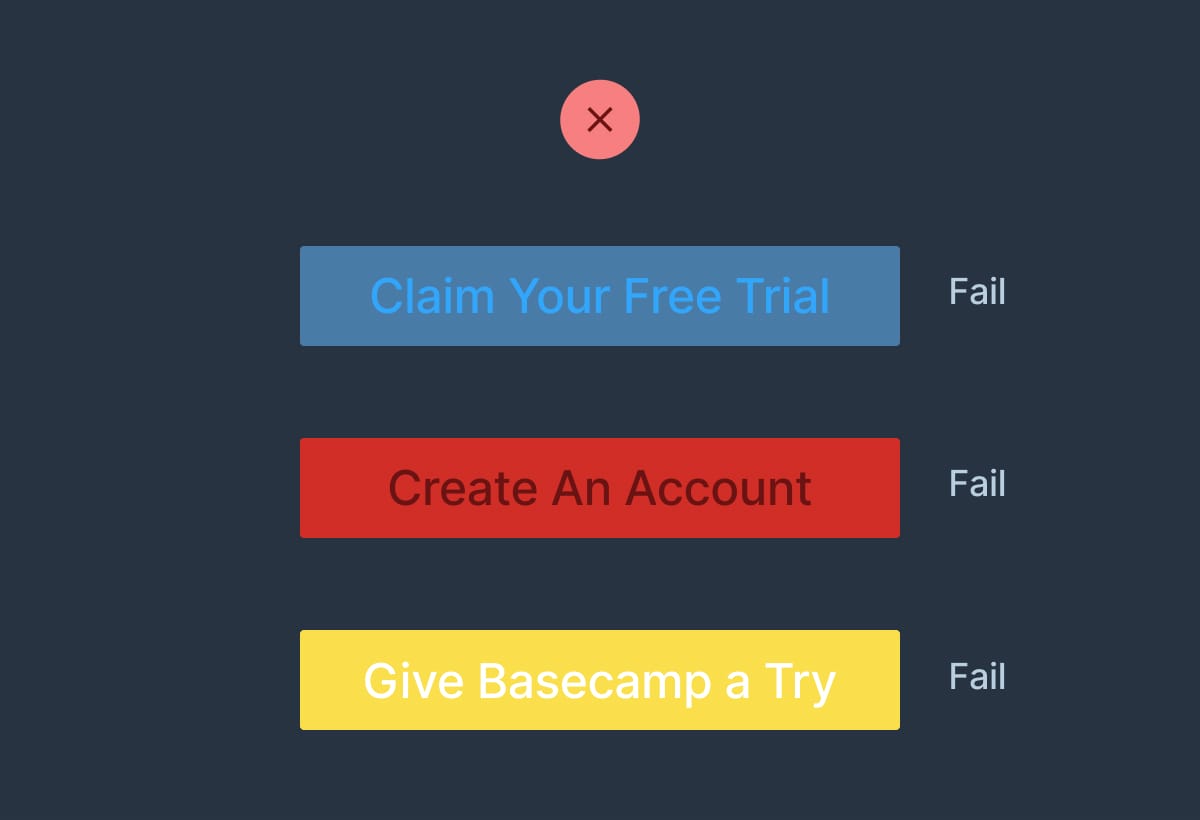
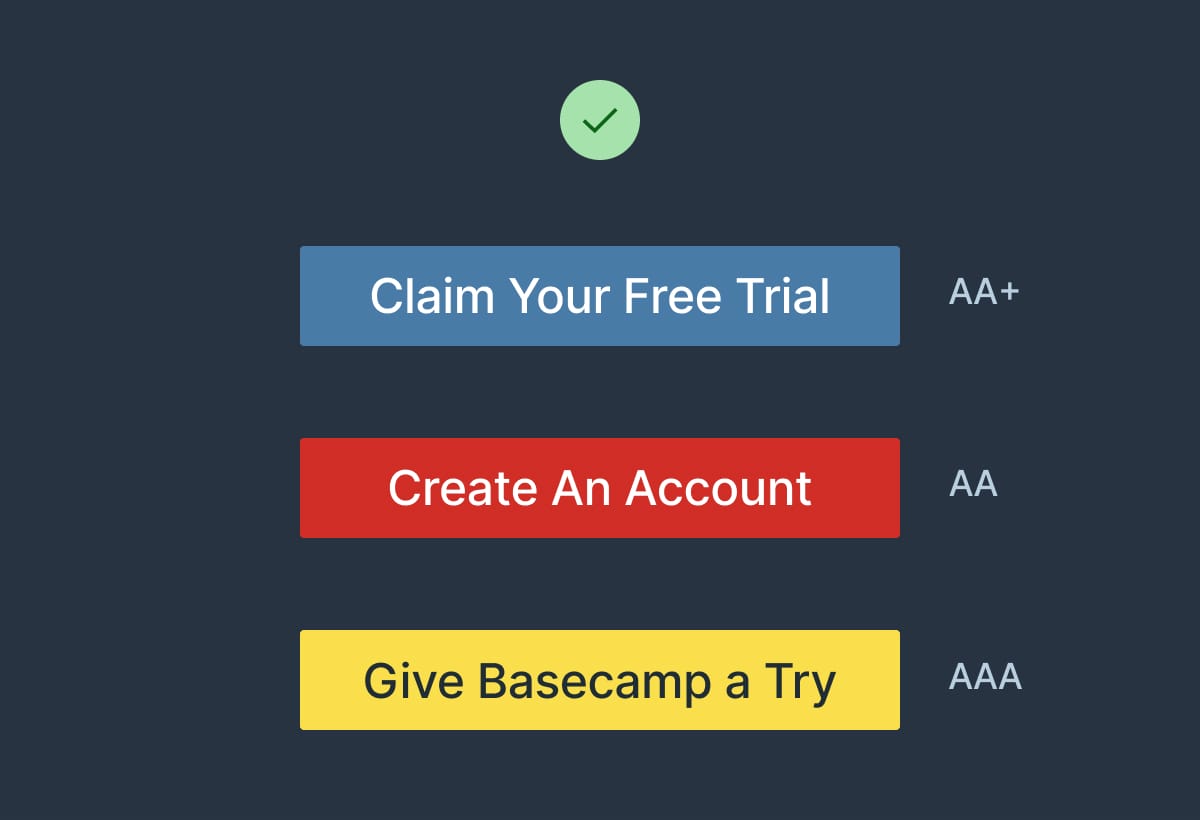
  • Contrast for Mac – Great tool I’ve been using to to ensure my text color hierarchies are within Accessibility standards.
  • Accessible Color Generator – Useful to find the nearest accessible-passing color based on your color inputs (that are failing).