You are browsing Hot Tips featuring:

Images

Landing Page lessons related to the images throughout the page. When you are further with your optimization, kick off the Landing Page Images Checklist.

Fewer images, better images

Hot Tip #03 is to use fewer images but also better images.

Good imagery builds trust, and trust is the foundation for conversions. When it comes to your visuals — spend the money!
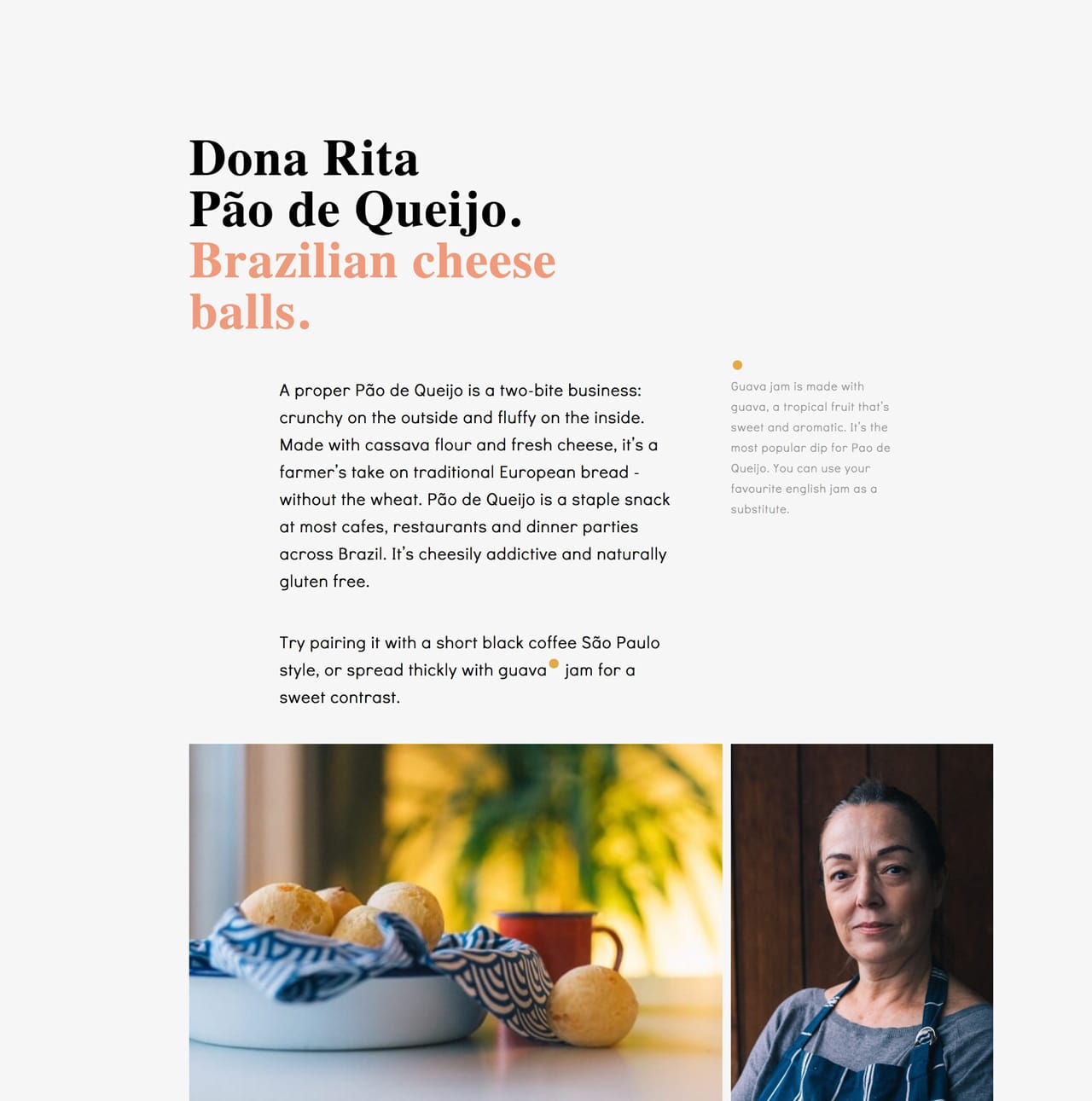

Dona Rita website
Dona Rita

Logoswift website
Logoswift

Invest in a photoshoot of your team, your product, your food. The ROI on a professional photoshoot is pretty much guaranteed.

ImageOptim - My go-to for image size optimization for JPG, GIF, PNG and SVG.

IMGIX - Image CDN's are a bit excessive in most Landing Pages but I use IMGIX for my full network of sites. The real benefit is you can upload a big image once, then manipulate (size, compression) the output using only code. I cannot recommend it enough and I do use it for Landing Pages within my bigger sites.

Noun Project Photos - Just launched so a good resource of less-used, quality stock imagery. Pricing is around $33/image for commercial use.

Optimage - An alternative image size optimization tool by Vlad Danilov. Conveniently optimizes MP4 too.

Pexels - Both good free stock image alternatives if a search term isn't winning on Unsplash. Both include stock video too.

Pixabay - Both good free stock image alternatives if a search term isn't winning on Unsplash. Both include stock video too.

Squareshot - Service to send your physical product and they'll send back top quality photos of it for your Landing Page.

Stocksy - My favorite premium resource for stock images. If you only need a single authentic image for your Landing Page, seriously consider starting here.

Team Section Inspiration - A collection I put together with 20+ team sections in Landing Pages.

Unsplash - High quality, well curated free stock images.

Add personality

Hot Tip #29 is to add personality.

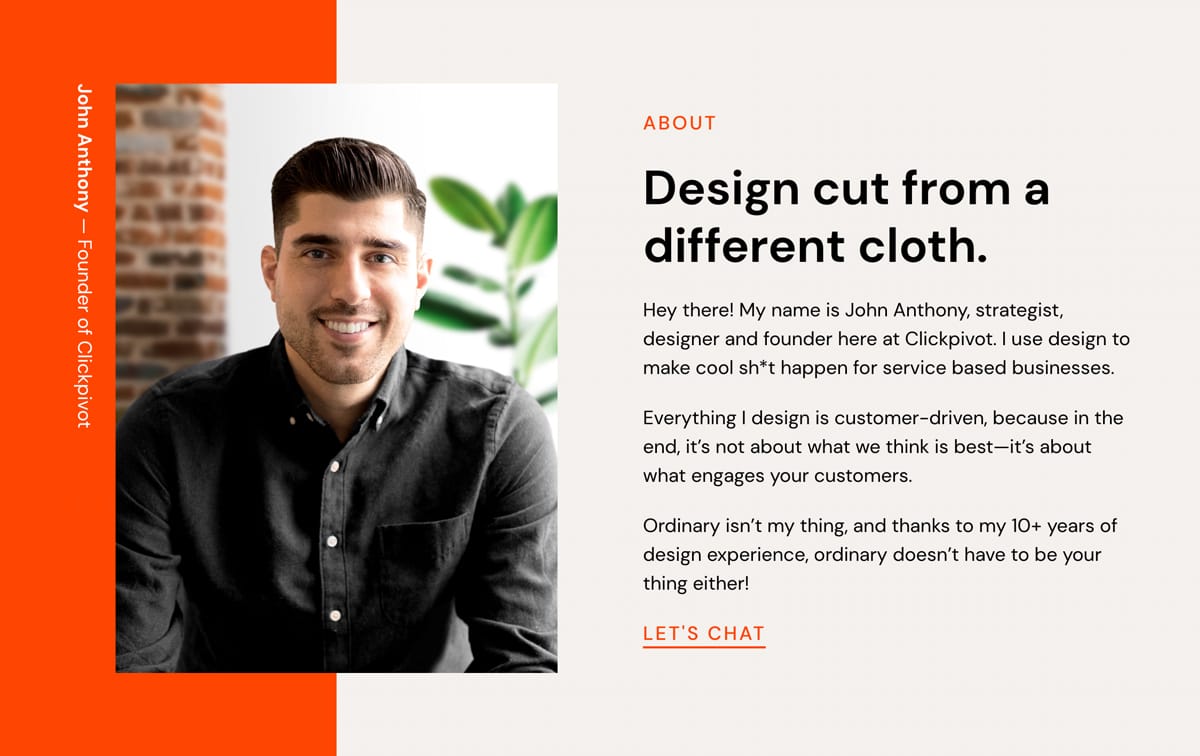
👩‍🎤 A portrait of the person who developed the service.
📑 The desk where these posters were illustrated.
✍️ Even adding a subtle animation of your signature.


Signature demo
People want to support people, and these little touches give visitors a glimpse of the human behind the Landing Page.

Fiverr Signatures - Get an animation of your signature commissioned for $5.

Sign Your Work - Little 2014 nugget blog post by Seth Godin.

Don't neglect Retina optimization

Hot Tip #45 is don’t neglect Retina optimization.

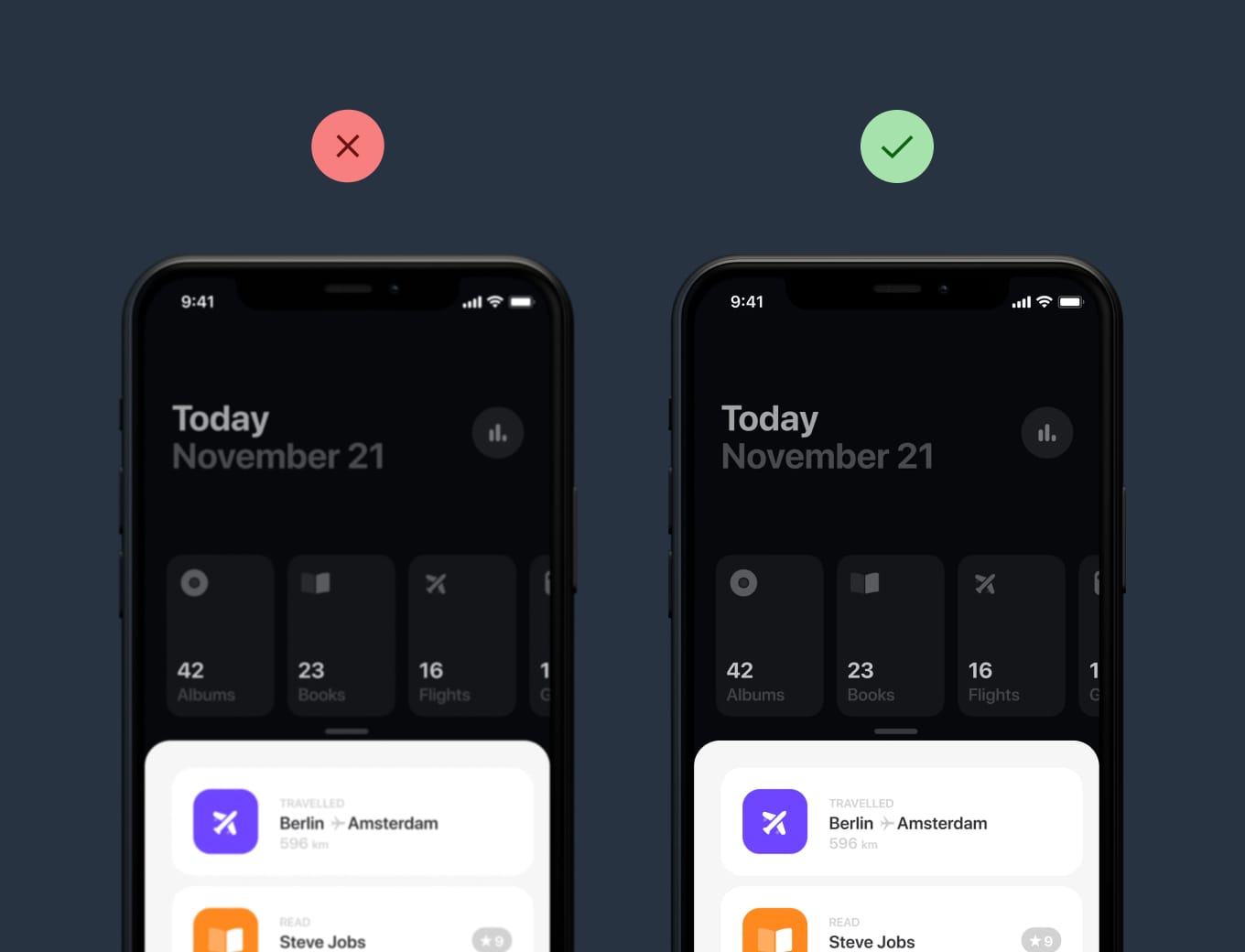
Simply put, Retina Displays have higher density pixels, needing a bigger version of the imagery to appear crisp.


Retina comparison
Haptic

Retina comparison
Clear infographics and crisp app screenshots leave a wonderful first impression, especially if your target market is designers.

BGJar - Free online tool to create colorful SVG blobs.

ImageOptim - My go-to for image size optimization for JPG, GIF, PNG and SVG.

Responsive Images - Developer Eric Portis details exactly how to deliver @2x images on Retina screens.

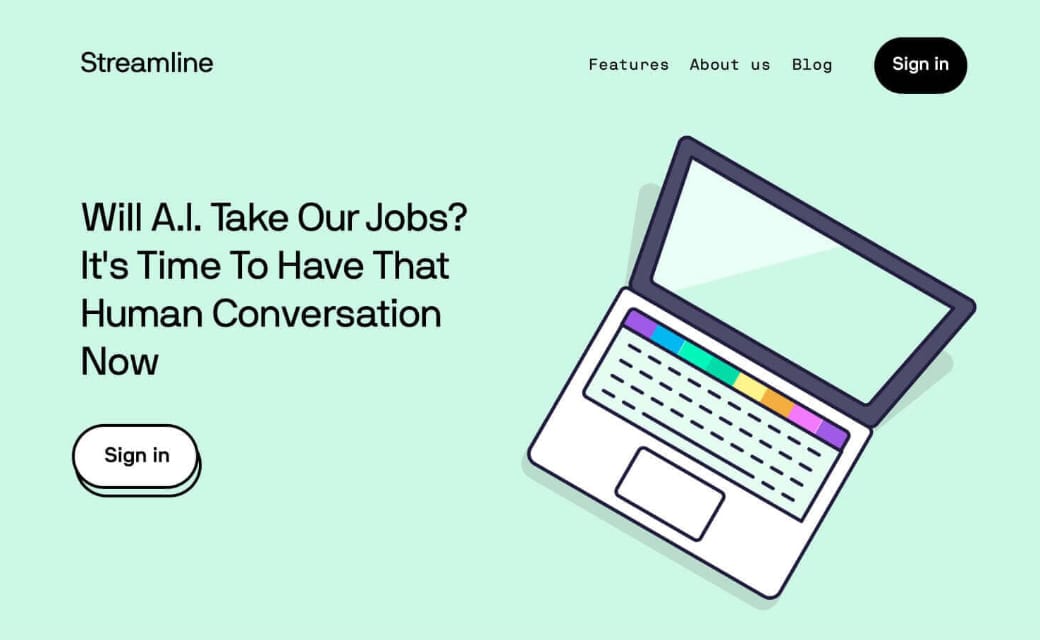
Liven with illustrations

Hot Tip #60 is to liven with illustrations.

Illustrated characters, devices, and elements can really bring a Landing Page to life:


Illustration reference
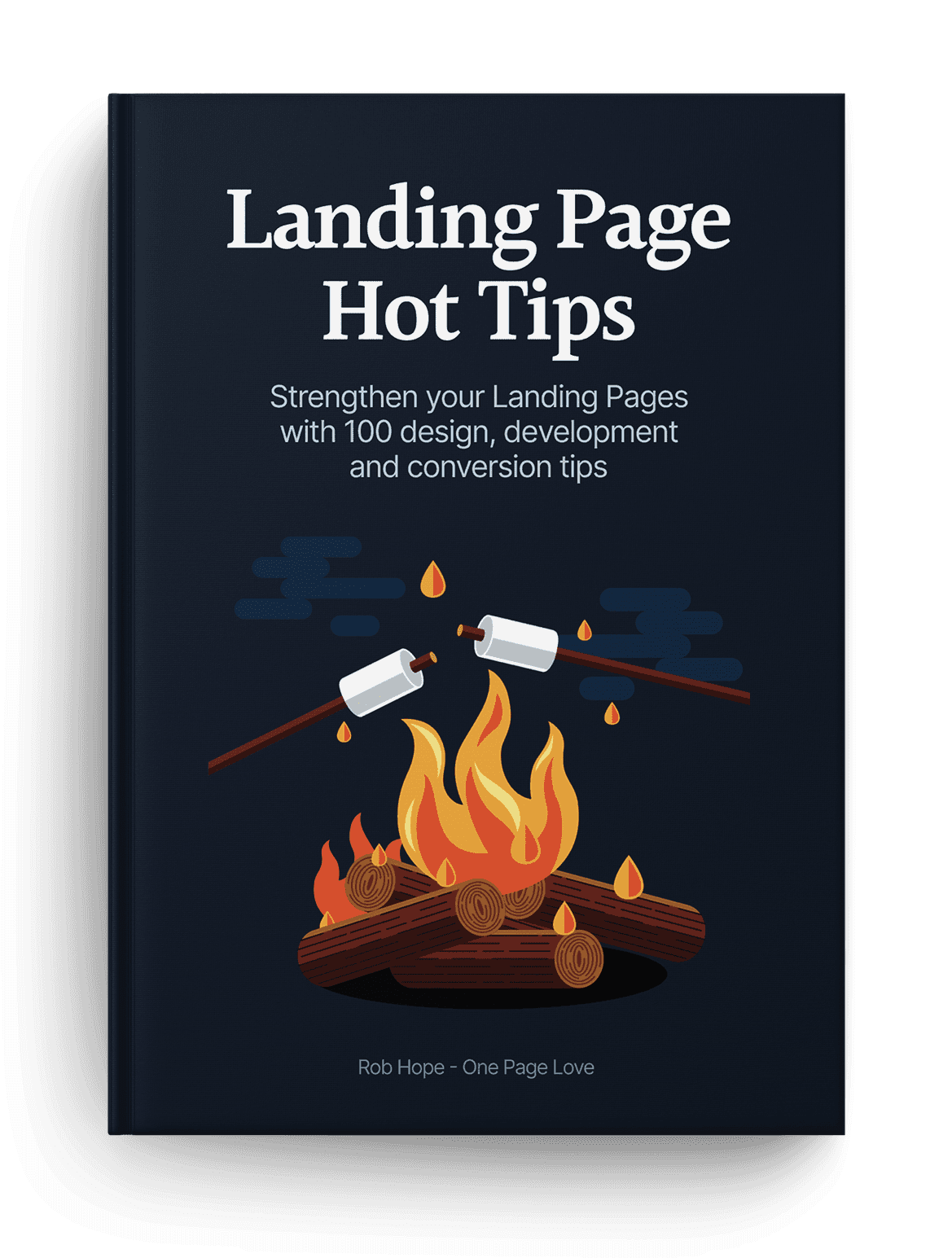
I was going to keep this is a secret but the commercial license for the Hot Tips Ebook fire illustration was $4 on Creative Market. It completely changed the way the product looks and feels within the Landing Page:

Illustration reference
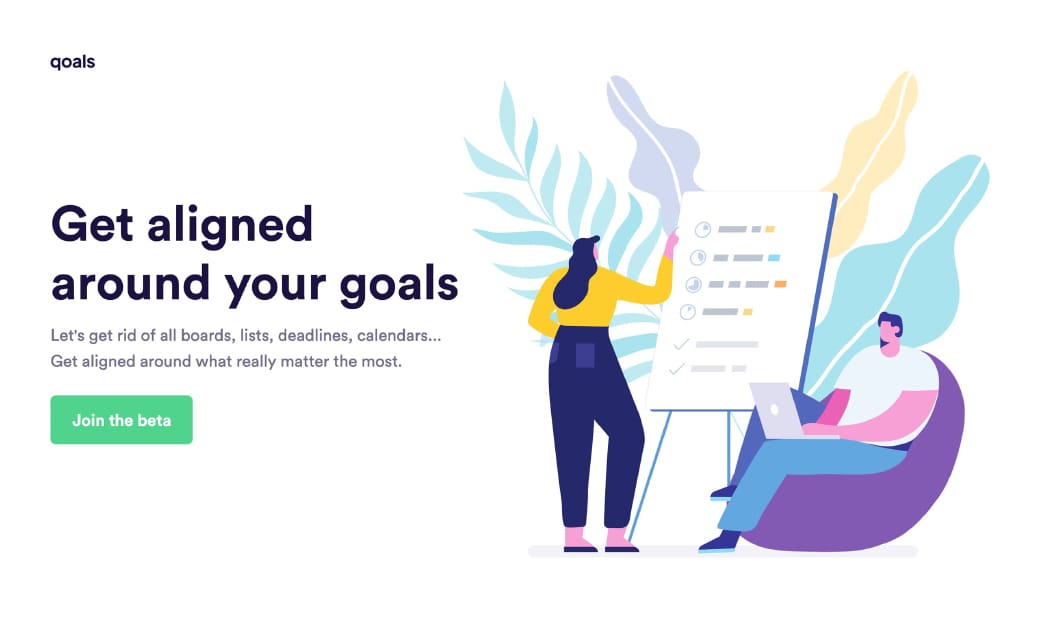
Character illustrations are currently on-trend in SaaS Landing Pages. I’d argue they are becoming generic but definitely still work to brighten a stale page:

Illustration reference
Qoals

If you have the budget, aim to commission custom illustrations from a designer. If not, these resources are a good place to start:

Blush - Online tool to create, mix, and customize illustrations made by artists around the world.

Humaaans - Free library to mix and match illustrations of people. Made for Sketch, Figma, InVision Studio and Adobe XD.

Illustration Inspiration - A collection of 1500+ Landing Pages I've curated featuring a mix of illustrations.

Streamline UX - Vincent and his team have launched an illustration tier to their icon library.

Undraw - Royalty-free illustration resource by Katerina Limpitsouni.

Seek hero images with negative space

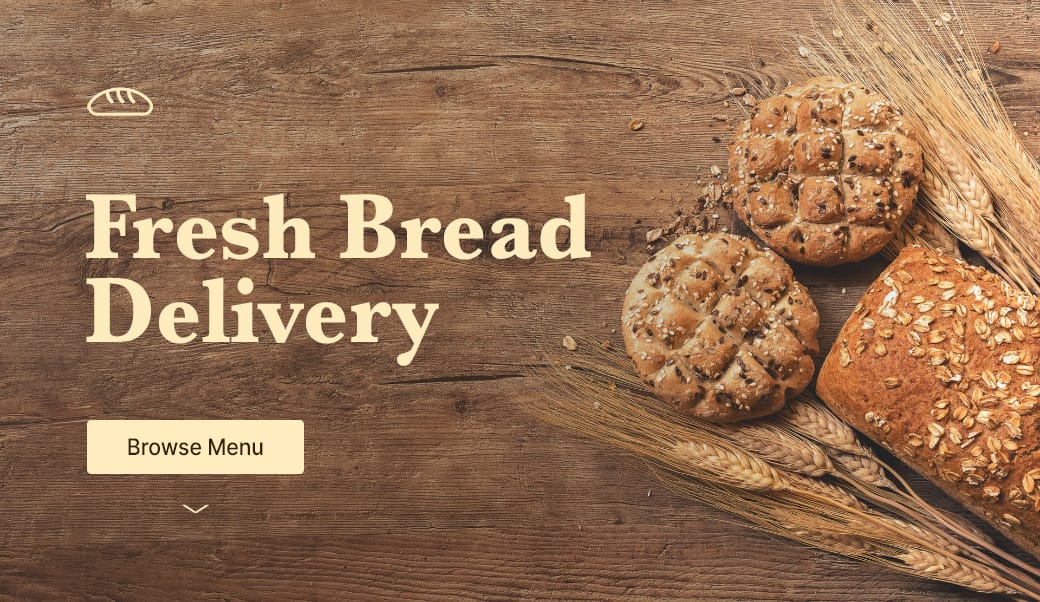
Hot Tip #67 is to seek for background images featuring negative space.

Negative space refers to the area of an image surrounding the main subject or object. This can be intentionally shot and cropped to provide a beautiful canvas for your copy — helping prevent overlapping elements:


Negative space reference
If you know your way around Photoshop, start by expanding your hero image canvas to the left or right. Then fill the newly created blank space using the Content-Aware fill option. It’s honestly magic.

Stocksy - My favorite premium resource for stock images. If you only need a single authentic image for your Landing Page, seriously consider starting here.

Unsplash - High quality, well curated free stock images.
Whitespace Inspiration - A collection of 1000+ Landing Pages I've curated featuring healthy whitespace.

Bring it to life

Hot Tip #91 is to bring it to life.

Skeuomorphism is the design concept of making digital items resemble their tangible real-world counterpart.

If you are selling a book, consider using a book mock-up template to bring it to life in your Landing Page:


Book Cover reference
I grabbed this book template from Creative Market and it made a huge difference to the Hot Tips Landing Page design.

Selling a print? Why not put it in a frame and overlay a leaf to really bring it to life:


Print reference
Creative Market

Pre-selling property? Give it life with an aerial view of the desk and the beautiful plans strewn across it:


Print reference
Skylark

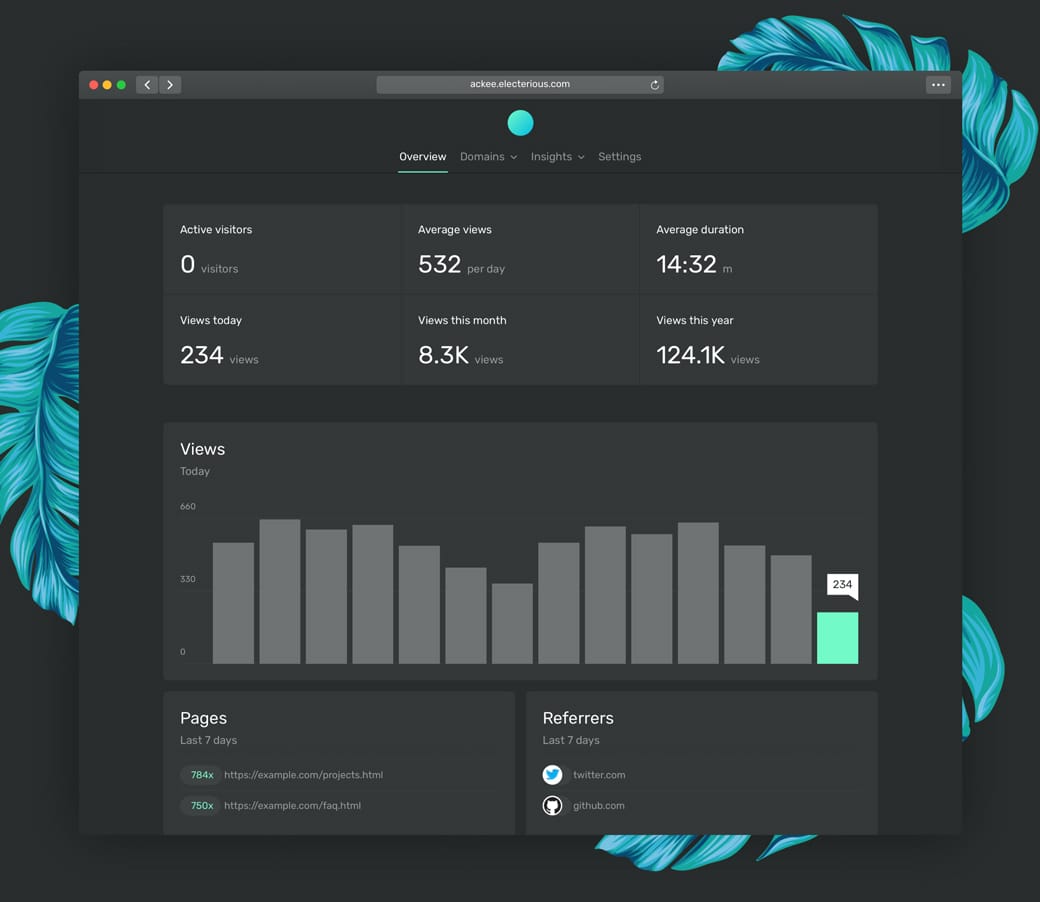
Another trick to bring your offering to vibrant life is to add a subtle drop shadow behind the image, product mock-up, or browser screenshot:


Drop shadow design reference
Ackee

The above subtleties aren’t noticeable at first but collectively mold into a beautiful Landing Page design, like this:


Drop shadow design reference

Aerial View Inspiration - A collection of 80+ Landing Pages I've curated with aerial view shot.

Creative Market Mock-Ups - The device mock-ups category is filled with unique options by their community.

Depth Inspiration - A collection of 50+ Landing Pages I've curated featuring a perception of depth within the page.

Facebook Devices - Monster collection of mock-up devices in both PNG and Sketch. Ridiculous this is free.

Lstore Graphics - Top quality device mock-up resource. Video options too!

Ray - Useful little web app to generate beautiful images of your code snippets. Supports a bunch of languages and features a neat UI options panel including dark + light modes.

Rotato - macOS app to generate fancy rotating device mock-ups. Free to try, then $40.

shotsnapp - Brilliant device mock-up tool that works in your browser.

Smartmockups - Tool with a more diverse (tees, cups, devices) set of mock-ups. Free for 200 mock-ups then $9/month.

Unboxshot - A service specializing in stop-motion unboxing animations for your products. Instant delight in your Landing Page.