You are browsing Hot Tips featuring:

Demos

Landing Page lessons related to the product demos.

Offer a free teaser

Hot Tip #40 is to offer a free teaser.

⏳ 14 day free trial of your SaaS
📖 2 of the 14 eBook chapters
📦 80 icons from the full library
📱 1 of 10 mobile wallpapers

Teasers are great ways for visitors to experience more without having to pay upfront.

Remove the obstacles to demo

Hot Tip #46 is to remove obstacles in the way of demoing your product.

Carrd allows a full website build before asking for an email address.


You are confident your SaaS offering will satisfy your potential customer. Why not get visitors to experience it as soon as possible?

Lower the risk to commit

Hot Tip #47 is to lower the risk to commit.

✅ Free trial
✅ No credit card needed
✅ 2 years warranty
✅ 24/7 support
✅ 30-day money-back guarantee

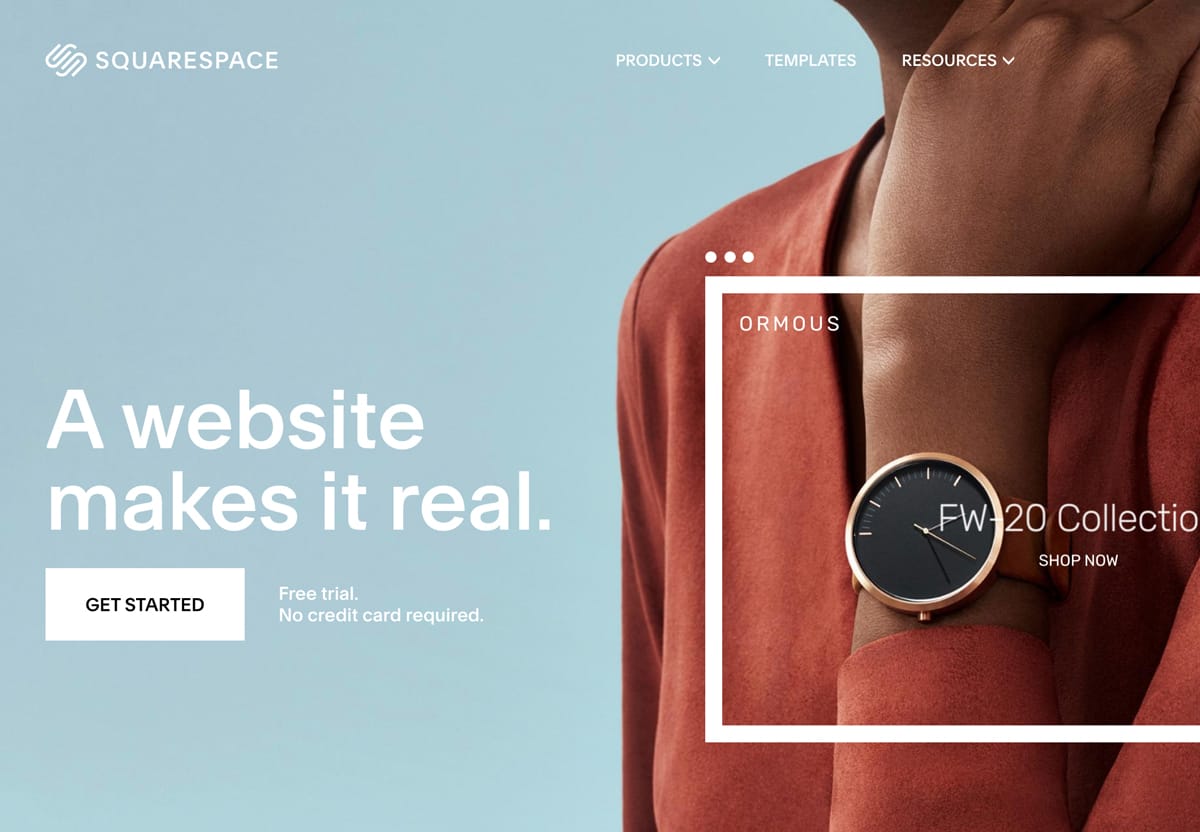
Note how Squarespace includes two of the above right next to their CTA button:


Squarespace CTA button alongside copy
Squarespace

Your Landing Page visitor is more likely to commit knowing they will be taken care of post-purchase.

If you discovered your Landing Page for the first time today - would you feel confident signing up?

Offer a demo down-sell

Hot Tip #65 is to offer a demo down-sell.

Phone calls aren't for everyone. If your Landing Page suggests hopping on a call to secure a high-end sale, offer an alternative info package download.

📦 "Don't want to jump on a call? Download our buyer's guide"

Kevin Mead shared the above did wonder for additional revenue.

Offering a beautifully presented alternative, to digest in their own time, is a courteous play your high-end customer will appreciate.

Open non-essential links in a new tab

Hot Tip #66 is to open non-essential links in a new tab.

Set links to documentation, support, privacy, and demos to open a new browser tab, keeping the primary Landing Page within a tab's reach.

New Window Links - A strong Counterargument by Jesse including several use-cases and additional UX reads. Always healthy to question UX decisions. I still vote for opening demos, support portals and blogs in new tabs - all 3 in my experience offer poor navigations to return to the primary page.

Demo in-page

Hot Tip #70 is to integrate an in-page product demo.

Traditionally Landing Pages demonstrate their products through screenshots, embedded videos, or link out to an online demo.

Have you considered integrating an in-page demo of your product?


In-page demo
Landing Pages putting in the extra effort by demonstrating their actual product in-page, result in a spectacular first impressions.

Clever in-page demos - An article featuring 12 Landing Pages with brilliant in-page demos.

Twitter In-Page - Same as above except Twitter thread with videos.

Wrap it in a device

Hot Tip #80 is to wrap your screenshots in a device.

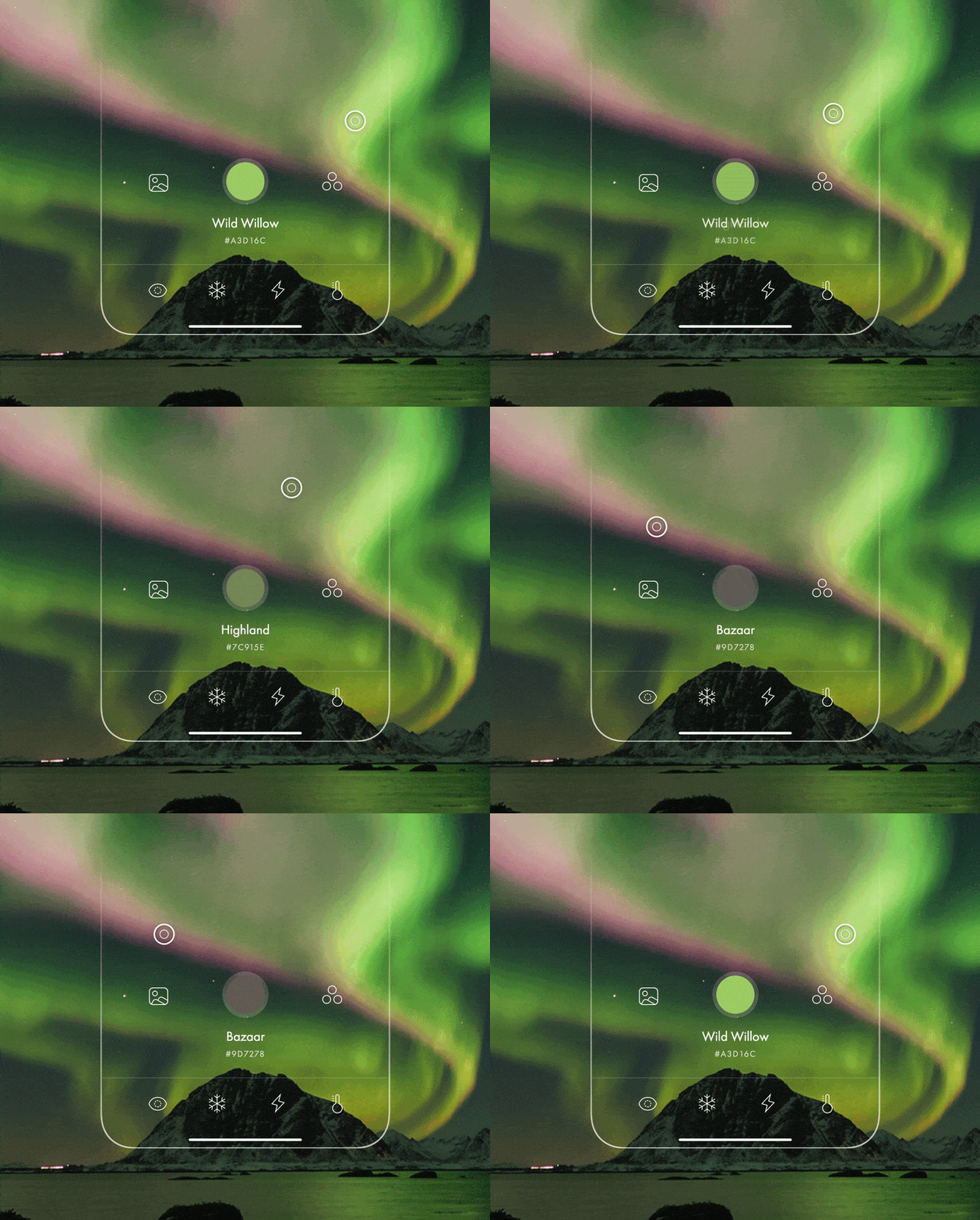
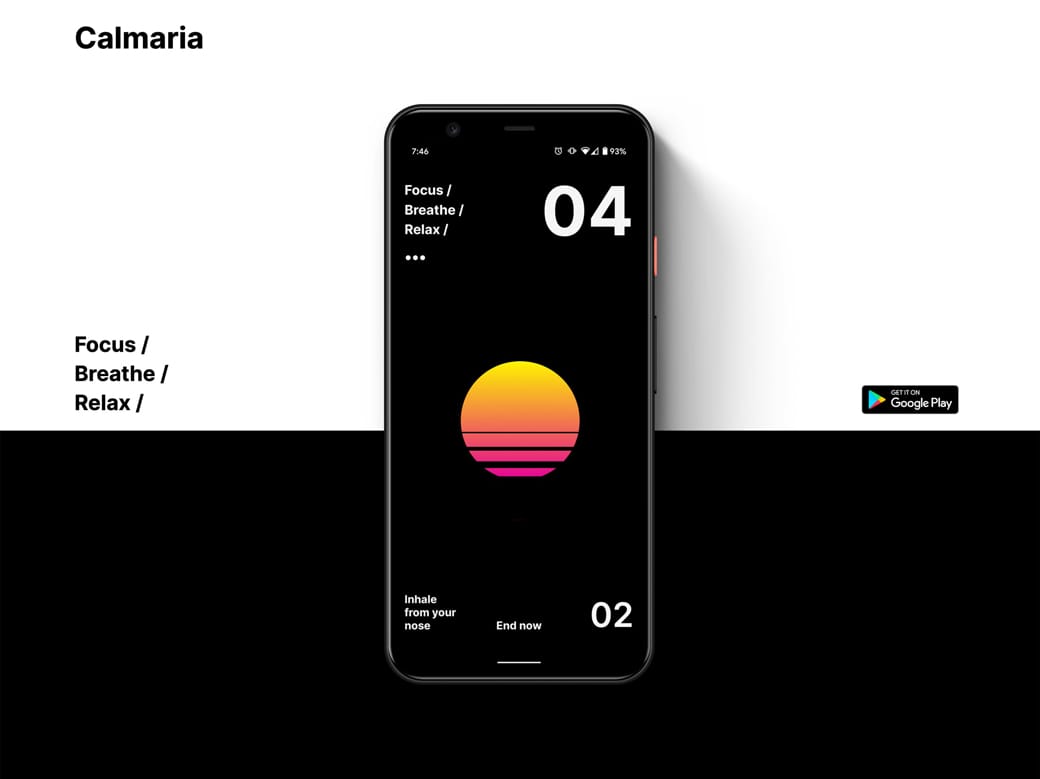
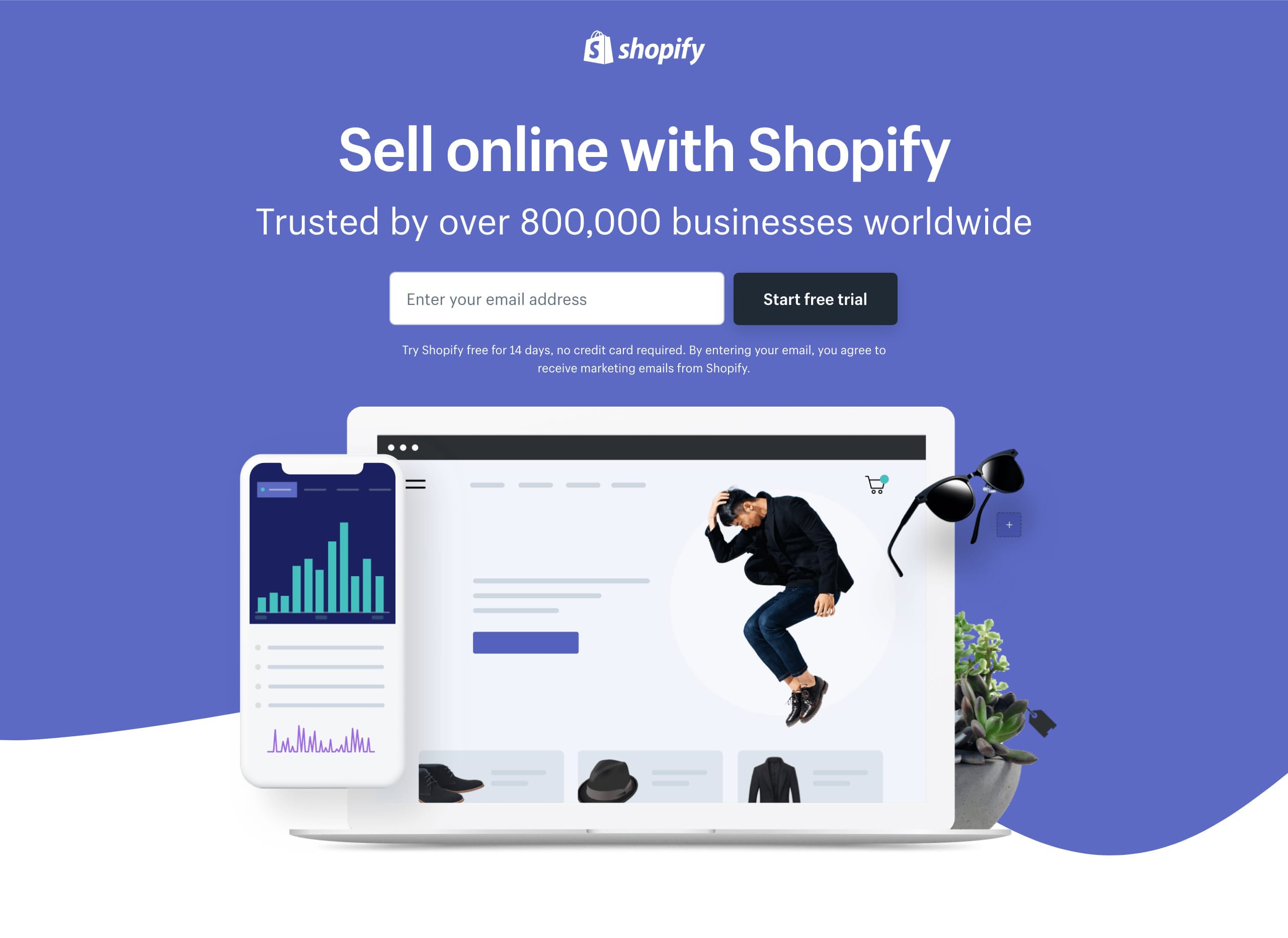
A device mock-up, with a subtle drop shadow, can really bring your digital product to life:


Device mock-up reference
Calmaria

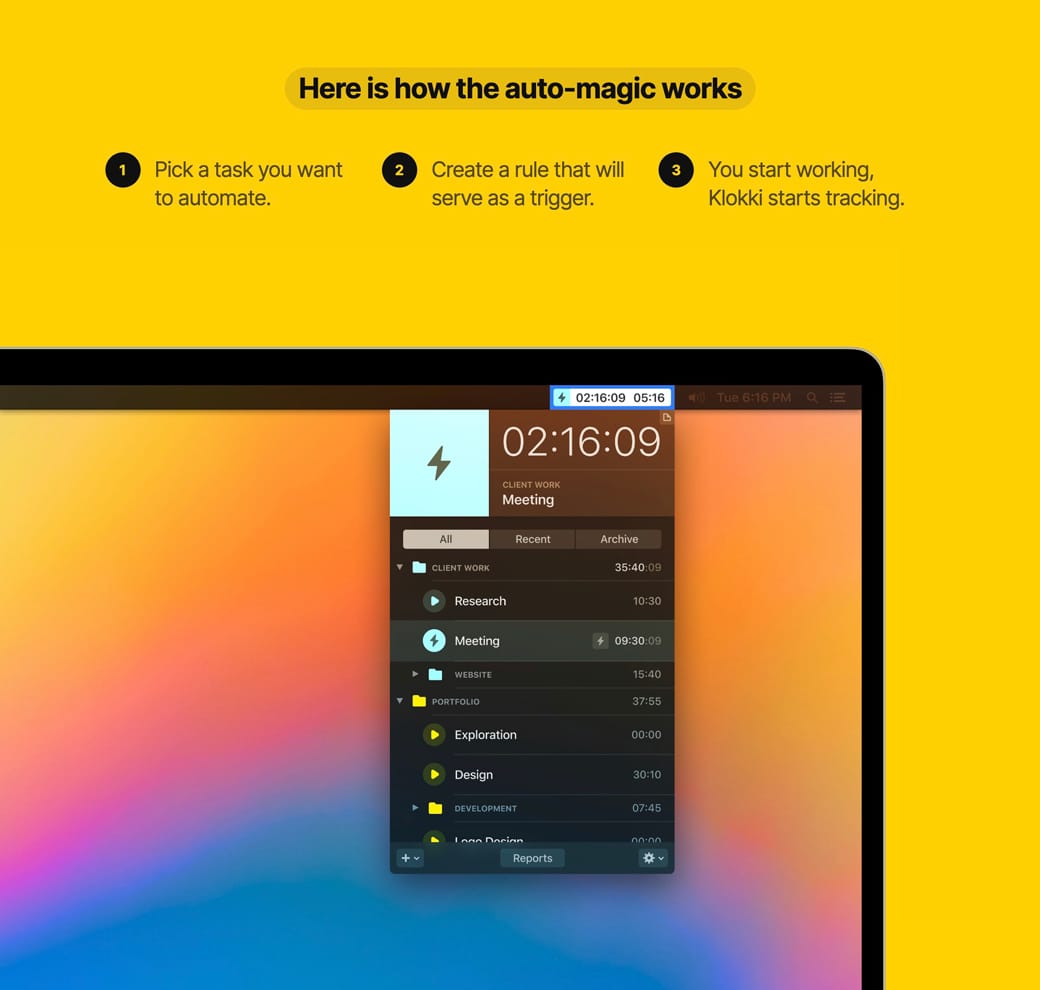
Device mock-up reference
Klokki

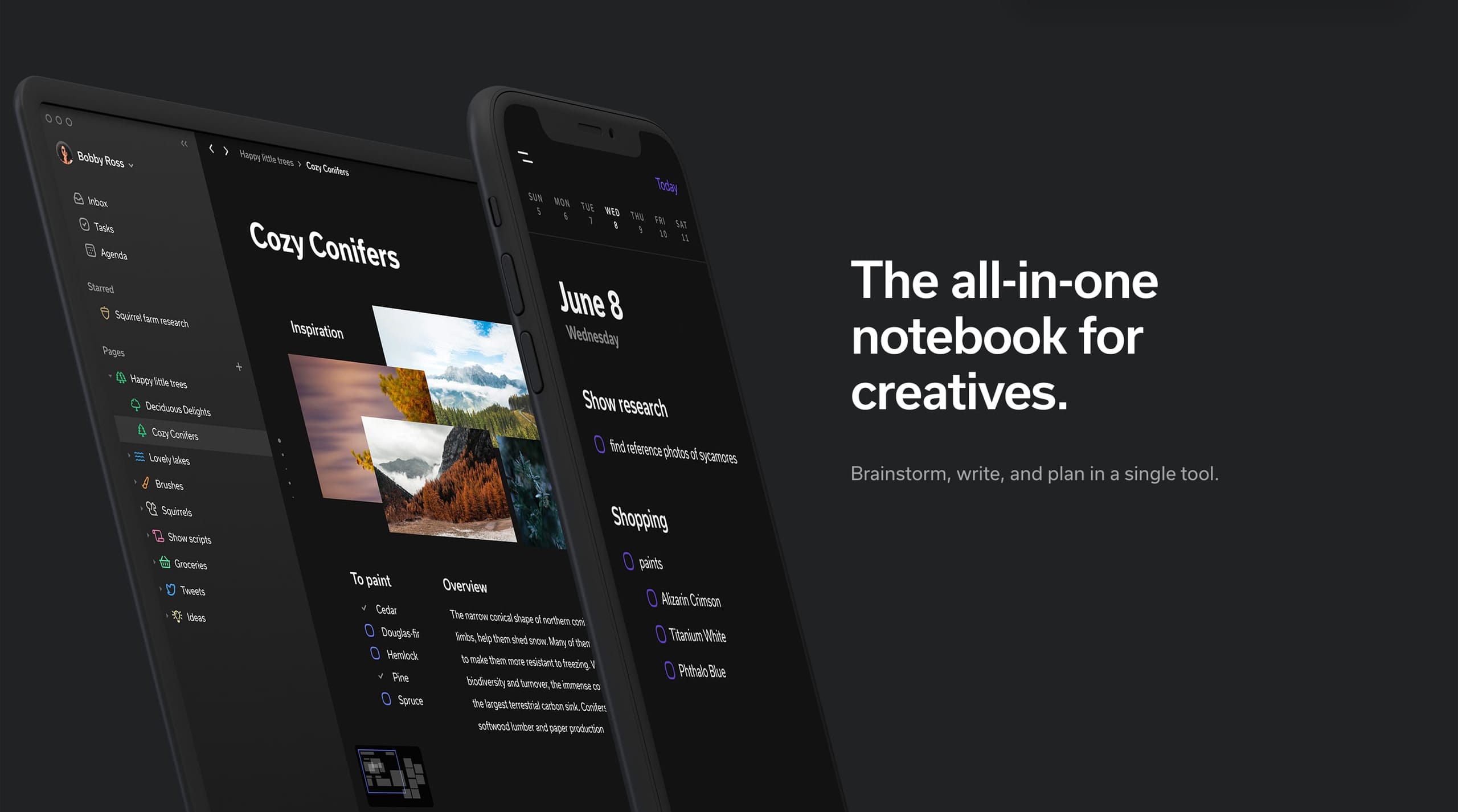
If your software caters for multi-device usability, consider showcasing the screenshots within a family of devices. This emphasizes the remote-working possibilities too:


Device mock-up reference
Clover

Family of devices
Shopify Free Trial

Creative Market Mock-Ups - The device mock-ups category is filled with unique options by their community.

Facebook Devices - Monster collection of mock-up devices in both PNG and Sketch. Ridiculous this is free.

Lstore Graphics - Top quality device mock-up resource. Video options too!

shotsnapp - Brilliant device mock-up tool that works in your browser.

Show them how it works

Hot Tip #85 is to show them how it works.

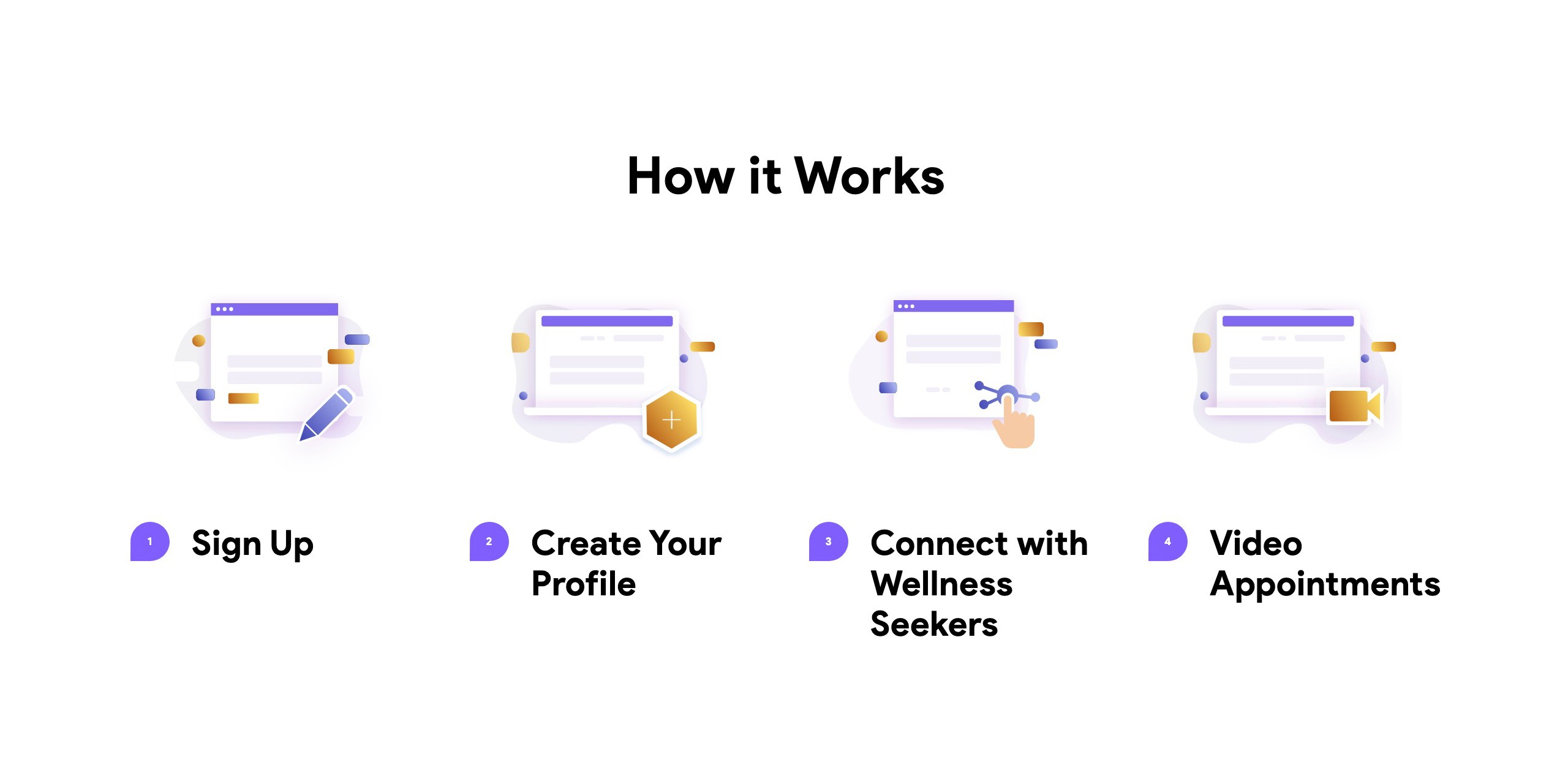
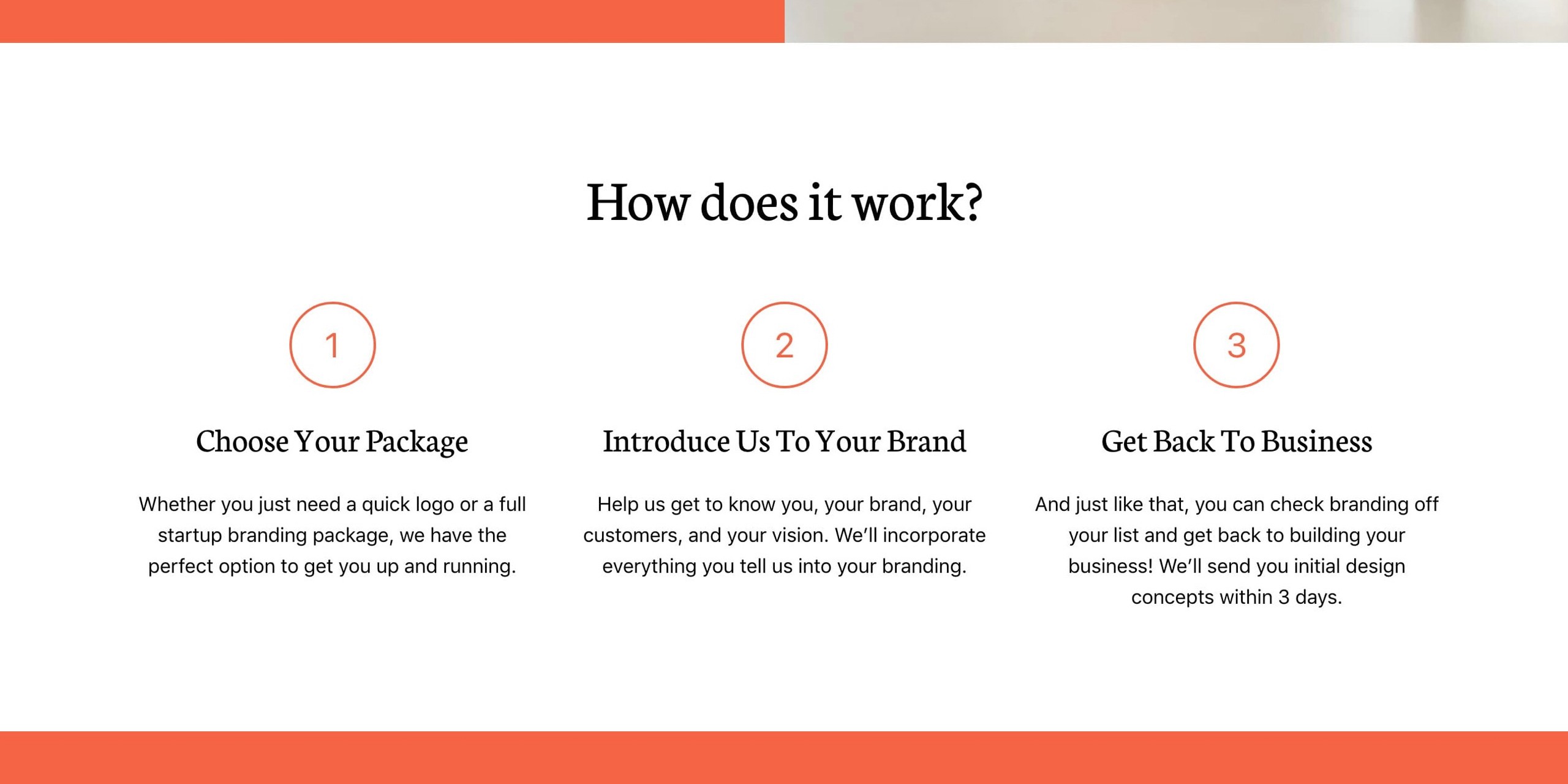
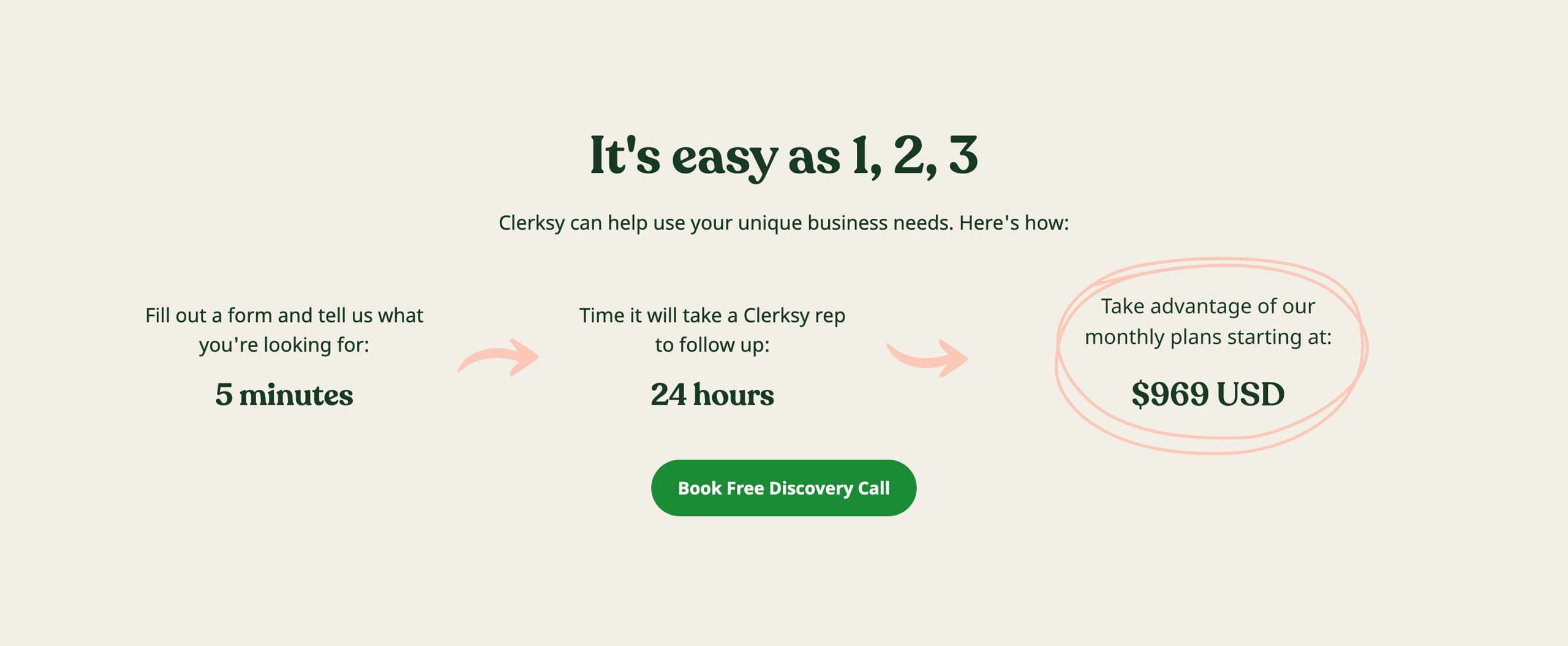
The first question most SaaS Landing Page visitors ask is How much is it?. This should always be answered with full transparency, no tricks.

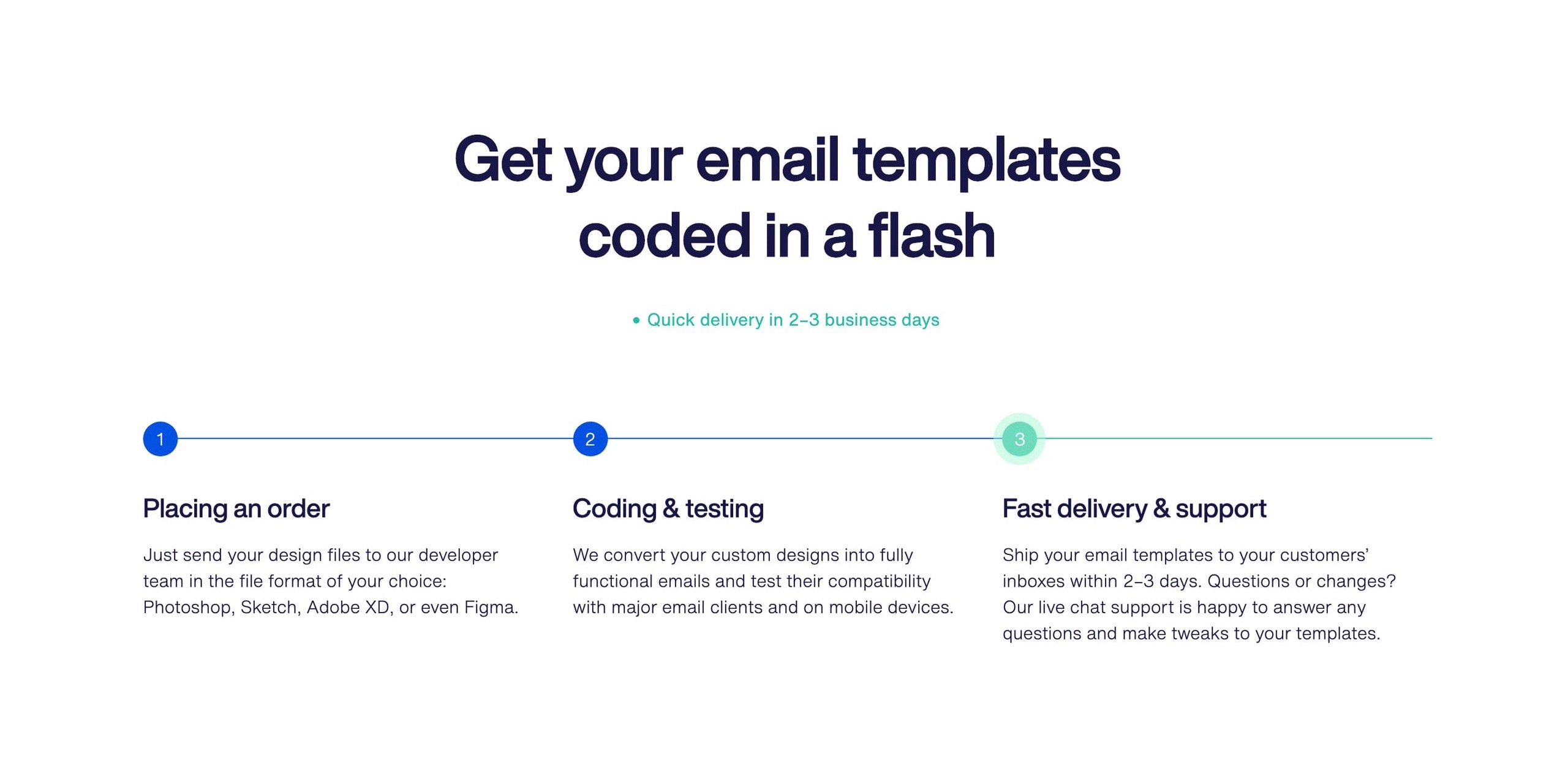
And the second? I’d argue it’s to show them the exact steps needed to go from sign up to smooth sailing. Invest some time here. Use numbered lists. The more visual it is, the better.


Hot It Works reference
TelMD

Hot It Works reference
Logoswift

Hot It Works reference
Clerksy

Hot It Works reference
Crafting Emails

If you can show the Landing Page visitor just how easy it is to get started, they’re more likely to give it a try.

How it Works Examples - An ongoing collection I've put together of well-designed or interesting How it Works sections in Landing Pages

Landing Pages with How It Works - A collection of Landing Pages I've curated featuring how it works sections.

Include an explainer video

Hot Tip #86 is to include an explainer video.

Well-thought-out explainer videos can help improve conversions for complex products or services.

⏳ Keep it under 30 seconds (longer can work, but only if brilliant)
💬 Use subtitles
👆 Don't forget the CTA at the end

Conversely, a rushed explainer video without a budget or refined script will hurt your brand and Landing Page conversions.

Artlist - One of the best video stock libraries out there. I used them for the explainer video for this Ebook. If you struggle with speaking clearly, they also have a very respectable AI text-to-voice generator. This could help give your video that professional edge you need.

Fiverr Explainer Videos - Great to outsource 2–3 cheap concepts to help brainstorm the final product.

Landed - Video Editors - A service to help pair you with a great video editor. Pricing starts at $3k for a full month with a junior video editor. They could also help produce a full fleet of social media vids to align with the Landing Page.

Bring it to life

Hot Tip #91 is to bring it to life.

Skeuomorphism is the design concept of making digital items resemble their tangible real-world counterpart.

If you are selling a book, consider using a book mock-up template to bring it to life in your Landing Page:
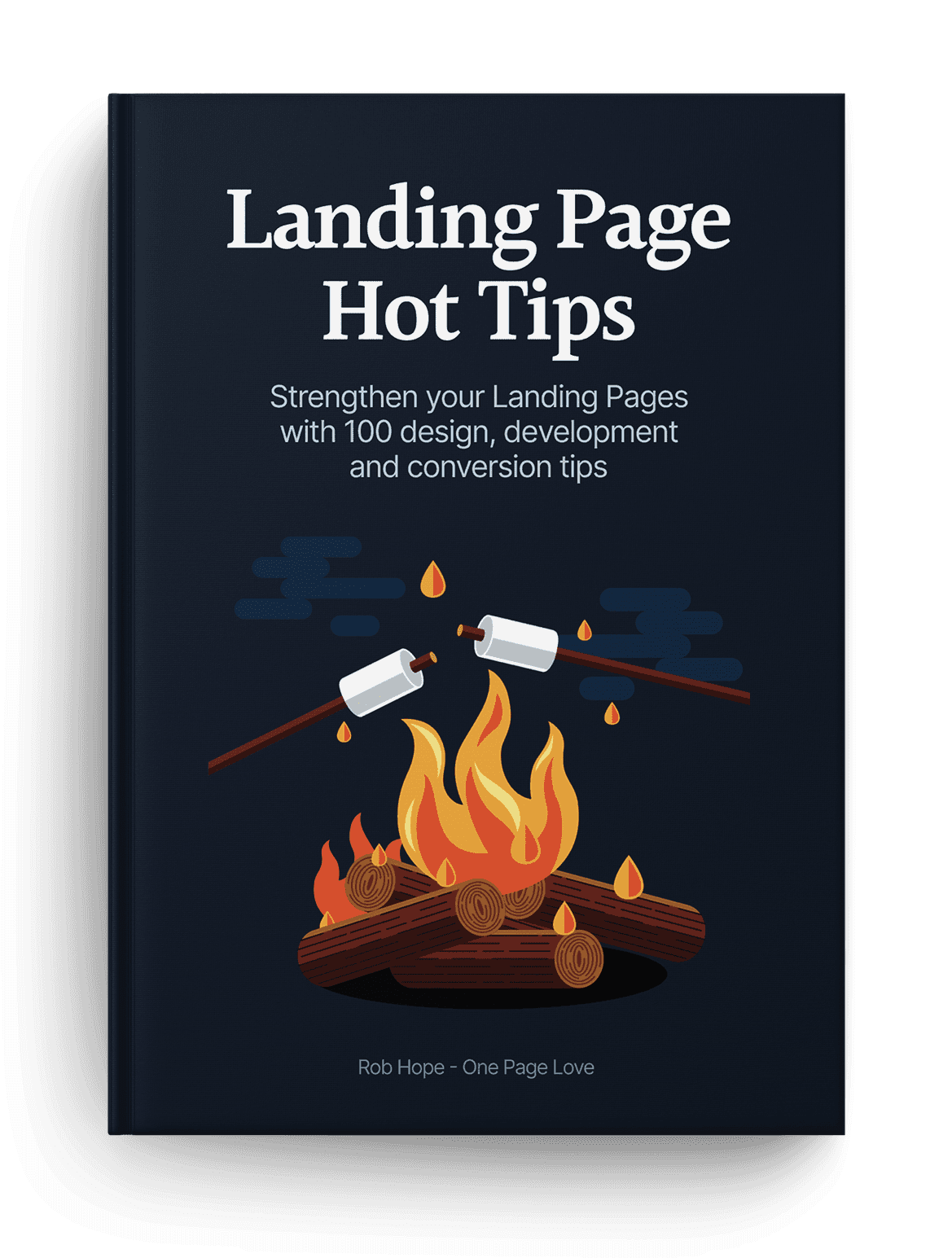

Book Cover reference
I grabbed this book template from Creative Market and it made a huge difference to the Hot Tips Landing Page design.

Selling a print? Why not put it in a frame and overlay a leaf to really bring it to life:


Print reference
Creative Market

Pre-selling property? Give it life with an aerial view of the desk and the beautiful plans strewn across it:


Print reference
Skylark

Another trick to bring your offering to vibrant life is to add a subtle drop shadow behind the image, product mock-up, or browser screenshot:

Drop shadow design reference
Ackee

The above subtleties aren’t noticeable at first but collectively mold into a beautiful Landing Page design, like this:
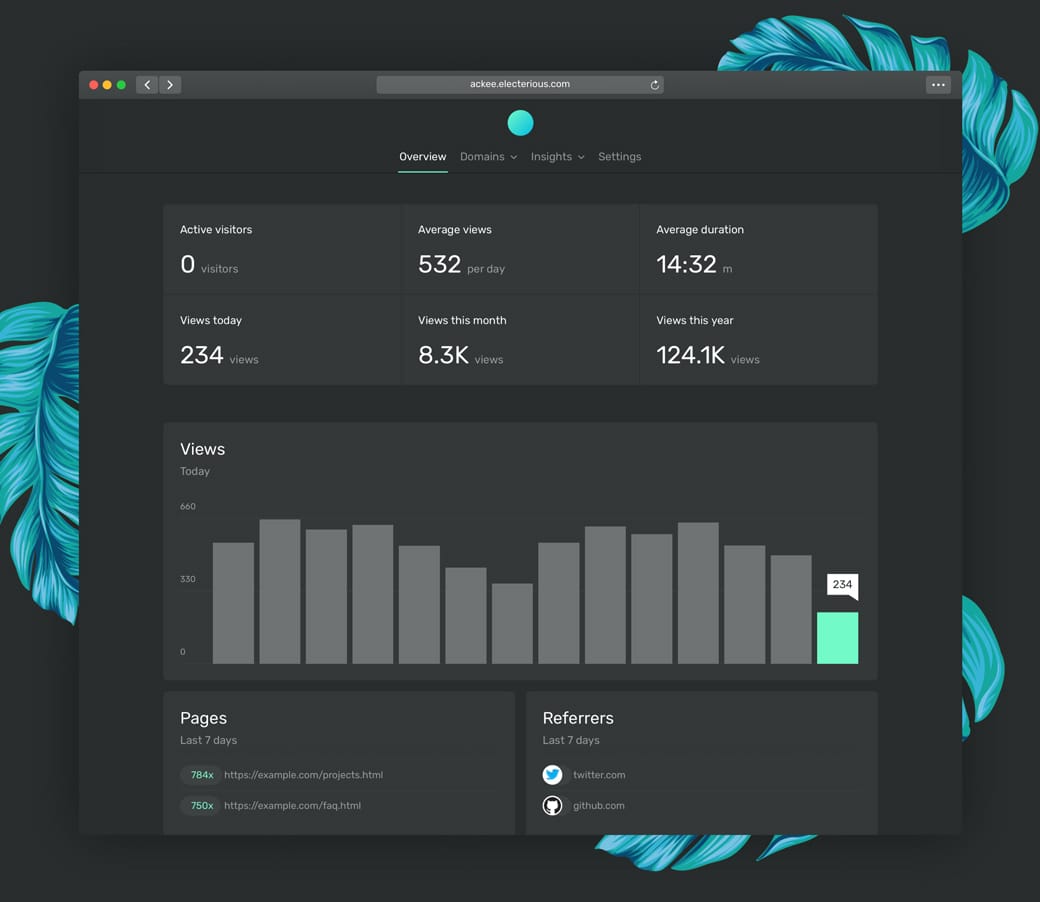

Drop shadow design reference

Aerial View Inspiration - A collection of 80+ Landing Pages I've curated with aerial view shot.

Creative Market Mock-Ups - The device mock-ups category is filled with unique options by their community.

Depth Inspiration - A collection of 50+ Landing Pages I've curated featuring a perception of depth within the page.

Facebook Devices - Monster collection of mock-up devices in both PNG and Sketch. Ridiculous this is free.

Lstore Graphics - Top quality device mock-up resource. Video options too!

Ray - Useful little web app to generate beautiful images of your code snippets. Supports a bunch of languages and features a neat UI options panel including dark + light modes.

Rotato - macOS app to generate fancy rotating device mock-ups. Free to try, then $40.

shotsnapp - Brilliant device mock-up tool that works in your browser.

Smartmockups - Tool with a more diverse (tees, cups, devices) set of mock-ups. Free for 200 mock-ups then $9/month.

Unboxshot - A service specializing in stop-motion unboxing animations for your products. Instant delight in your Landing Page.