Landing Page lessons related to the images throughout the page. When you are further with your optimization, kick off the Landing Page Images Checklist.
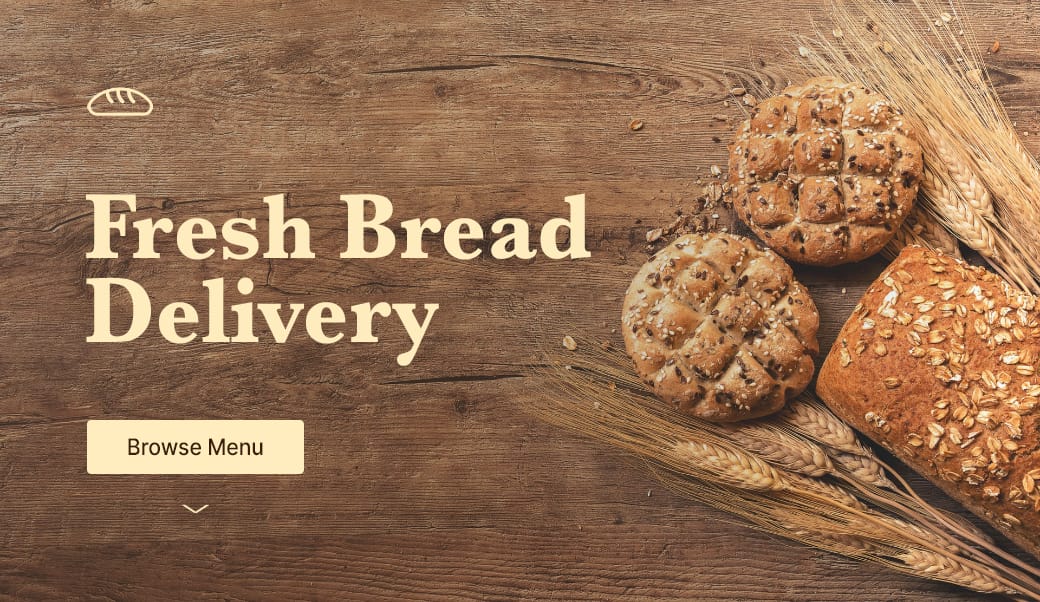
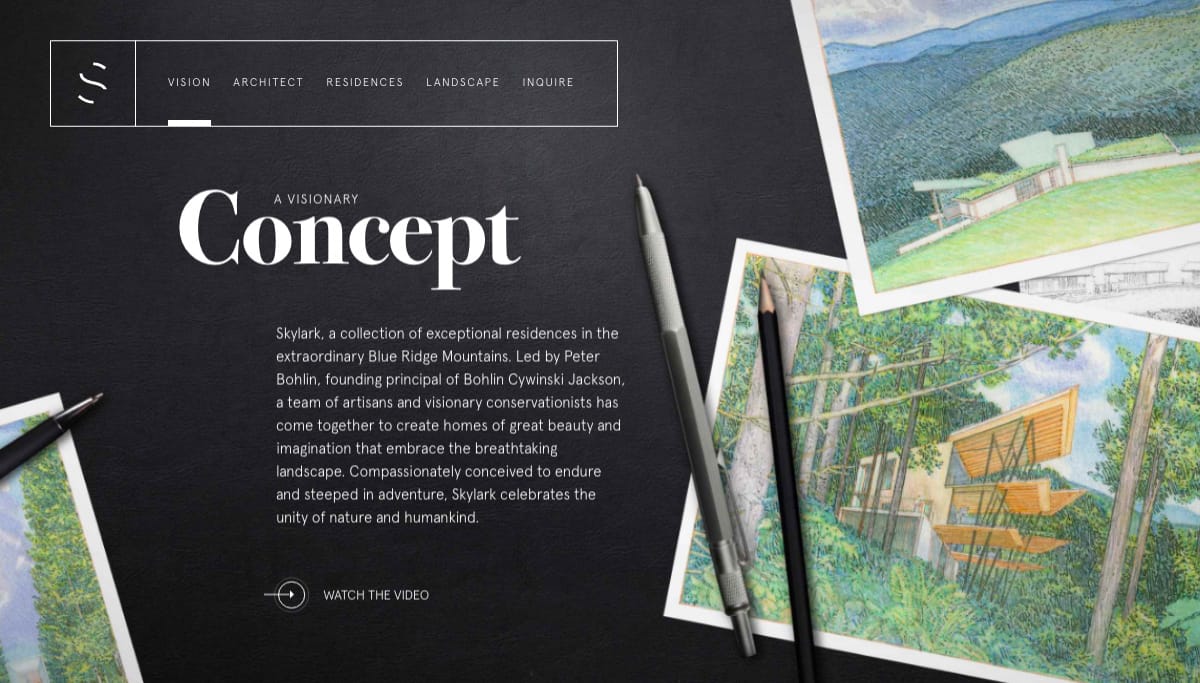
Hot Tip #67 is to seek for background images featuring negative space.
Negative space refers to the area of an image surrounding the main subject or object. This can be intentionally shot and cropped to provide a beautiful canvas for your copy — helping prevent overlapping elements:
If you know your way around Photoshop, start by expanding your hero image canvas to the left or right. Then fill the newly created blank space using the Content-Aware fill option. It’s honestly magic.
Unsplash - High quality, well curated free stock images.
Stocksy - My favorite premium resource for stock images. If you only need a single authentic image for your Landing Page, seriously consider starting here.
Whitespace Inspiration - A collection of 1000+ Landing Pages I've curated featuring healthy whitespace.
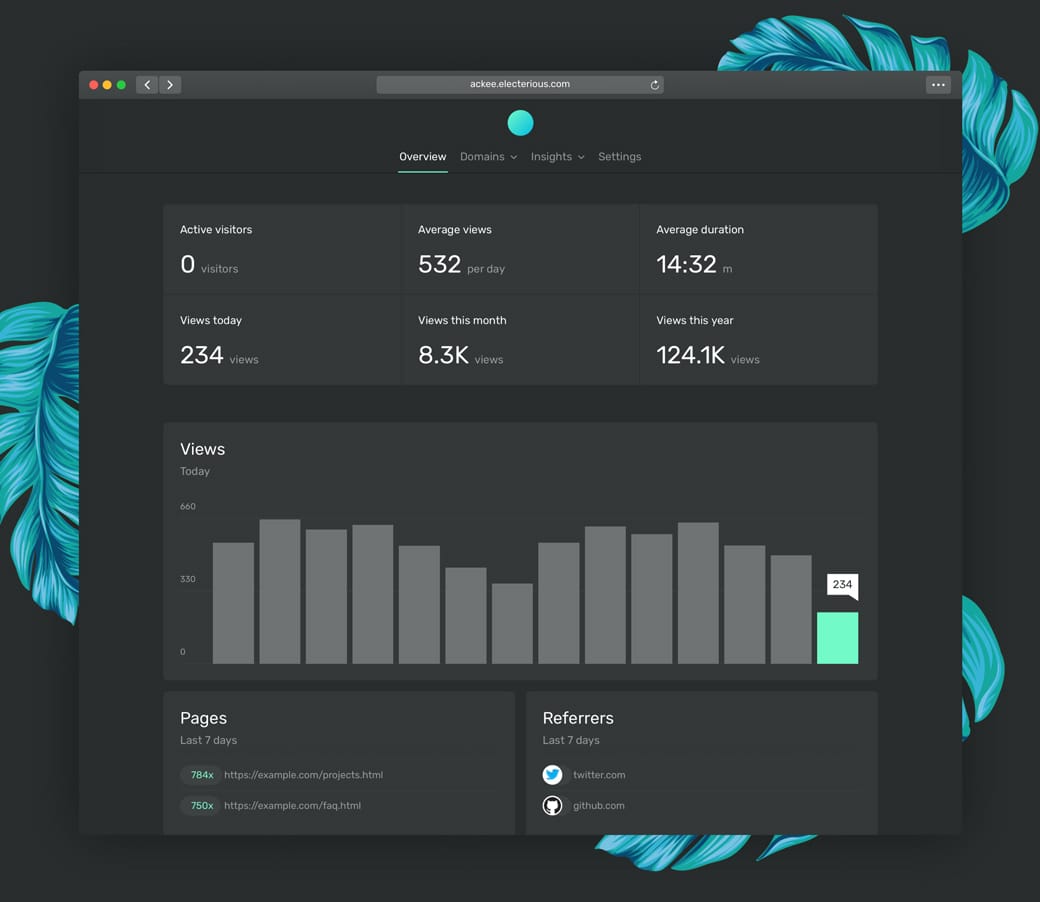
Facebook Devices - Monster collection of mock-up devices in both PNG and Sketch. Ridiculous this is free.
shotsnapp - Brilliant device mock-up tool that works in your browser.
Ray - Useful little web app to generate beautiful images of your code snippets. Supports a bunch of languages and features a neat UI options panel including dark + light modes.
Rotato - macOS app to generate fancy rotating device mock-ups. Free to try, then $40.
Smartmockups - Tool with a more diverse (tees, cups, devices) set of mock-ups. Free for 200 mock-ups then $9/month.
Lstore Graphics - Top quality device mock-up resource. Video options too!